Idea Statica
  • Steel
  • Concrete
  • BIM & Workflows
  • Support & Learning
  • Pricing
  • Company
  • Steel overview
  • Connection design
  • Member design
  • Parametric design
  • Steel case studies
  • Concrete overview
  • Walls and D-regions
  • Anchoring design
  • Concrete case studies
  • BIM Overview
  • Supported integrations
  • Checkbot
  • Viewer
  • APIs
  • Support Center
  • E-learning & certification
  • Blog
  • Downloads & Licensing
  • Plans
  • Free community tool
  • Enterprise customers
  • Students & educators
  • How much will you save?
  • About us
  • Contact
  • Research & development
  • Authorized resellers
  • Meet our customers
  • Career
  • Steel
    Steel overviewConnection designMember designParametric designSteel case studies
  • Concrete
    Concrete overviewWalls and D-regionsAnchoring designConcrete case studies
  • BIM & Workflows
    BIM OverviewSupported integrationsCheckbotViewerAPIs
  • Support & Learning
    Support CenterE-learning & certificationBlogDownloads & Licensing
  • Pricing
    PlansFree community toolEnterprise customersStudents & educatorsHow much will you save?
  • Company
    About usContactResearch & developmentAuthorized resellersMeet our customersCareer
14-Day Trial
14-Day Trial

Subscribe to our newsletter

Company

  • About us
  • Partners
  • Careers
  • Patent

Resources

  • Customer projects
  • Case studies
  • Connection Library
  • Verification books

Legal

  • EULA
  • Global privacy policy
  • California Privacy
  • TOS Viewer
  • Licensing

Help

  • Contact
  • Quote request
  • Resellers
  • Downloads
FacebookInstagramLinkedInYouTube

ยฉ IDEA StatiCa 2009-2026

Trusted and used worldwide by engineers, fabricators & consultants.

Support CenterKnowledge Base ArticlesImport from Beam to Detail including reinforcement and prestressing tendons
How to create XML file for IDEA StatiCa BIM app
BIM link between IDEA StatiCa BIM and IDEA StatiCa Beam
Export Beam to Detail
Export of the beam to Detail app
How to work with imported user-defined internal forces
Import from Beam to Detail including reinforcement and prestressing tendons
Lateral torsional buckling for prefabricated beams
Import from Beam to Detail including reinforcement and prestressing tendons
ConcretePrestressed concreteReinforced concreteKnowledge baseBeam

Import from Beam to Detail including reinforcement and prestressing tendons

This article is also available in
ENCZDEESFRITPTNLHUROKRPLTHTRVIZH

The integration between Beam and Detail allows the transfer of prestressing tendons and reinforcement when importing an entire design member. This ensures that critical data is preserved for accurate analysis and verification.

In IDEA StatiCa Beam, users can solve complex prestressed beam tasks, including TDA (time dependent analysis) and LTB (lateral torsion buckling). In IDEA StatiCa Detail, they can account for discontinuity regions, such as openings and dapped ends, without the need to remodel or reload the beams from scratch.

Import of prestressingย 

Both pre-tensioned and post-tensioned prestressing tendons and strands are imported along with their key properties. This includes tensioning stress, input values for loss calculation, material specifications, and prestressing position, ensuring accurate data transfer for analysis and design.

  • For post-tensioned tendons, the layout in the XZ plane is transferred, while the geometry in the XY plane is omitted as Detail operates with a 2D plane model. Additionally, the transfer includes material properties, the number of strands per tendon, prestressing origin, anchorage stresses, anchorage set, friction coefficient, and unintended angular change. For more information related to post-tensioning in Detail, including tendon stresses, losses, loading, combinations, etc., read the following article: Prestressing in Detail - Post tensioned tendons
  • For pre-tensioned strands, straight strand layers in the XZ plane are transferred. The data included for each layer consists of geometry in the XZ plane, stress immediately after release (ฯƒpm0), blanked lengths, and the number of strands per layer, ensuring accurate prestressing details in the model. For more information related to pre-tensioning in Detail, including tendon stresses, losses, loading, combinations, etc., read the following article: Prestressing in Detail - Pre-tensioned tendons

Import of reinforcement

Reinforcement can be imported based on a single section, automatically generating pre-reinforcement within the Detail application. This pre-reinforcement serves as a starting point that can be easily adjusted and refined into its final form.ย 

By directly transferring reinforcement details from Beam to Detail, engineers can avoid redundant remodeling, saving both time and effort while maintaining accuracy and consistency across design stages.

Take the latest version of IDEA StatiCa for a test drive today

Get 14 days of full access, completely free.

Check out IDEA StatiCa for free
Related articles

Release notes IDEA StatiCa 25.0
  • Steel
  • Concrete
  • v25.0
  • +3
  • Steel
  • Concrete
  • v25.0

Release notes

Release notes IDEA StatiCa 25.0

Read more
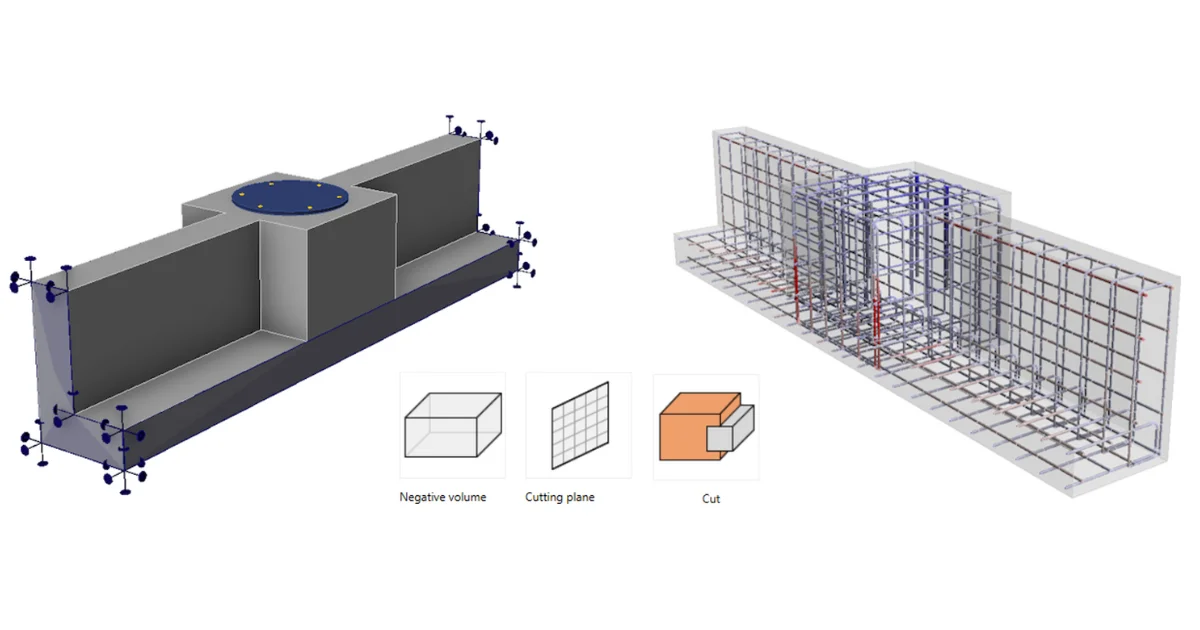
Modeling options  โ€“ Negative volume, Cutting plane and Cut, Related to Center Point
  • Concrete
  • Detail 3D
  • EN (Eurocode)
  • ACI (USA)
  • Concrete block
  • v25.0
  • v25.1
  • +7
  • Concrete
  • Detail 3D
  • EN (Eurocode)
  • ACI (USA)
  • Concrete block
  • v25.0
  • v25.1

Knowledge base

Modeling options โ€“ Negative volume, Cutting plane and Cut, Related to Center Point

Read more
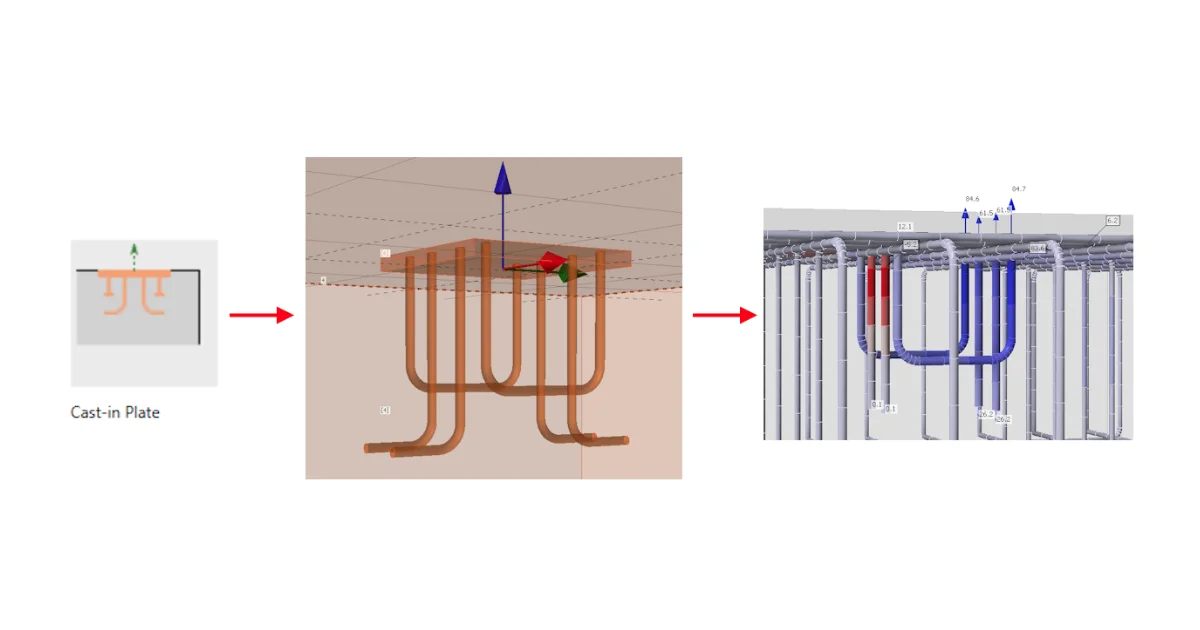
Cast-in plates in Detail
  • Concrete
  • Detail 3D
  • v25.0
  • v25.1
  • v26.0
  • +5
  • Concrete
  • Detail 3D
  • v25.0
  • v25.1
  • v26.0

Knowledge base

Cast-in plates in Detail

Read more