
No more license codes
You only need to remember your credentials, we do the rest.
- Account-based (username and password)
- No logistics with USBs and dongles
- The license can be updated in real-time
- No need to deploy your network server
- Encrypted, secure, GDPR compliant
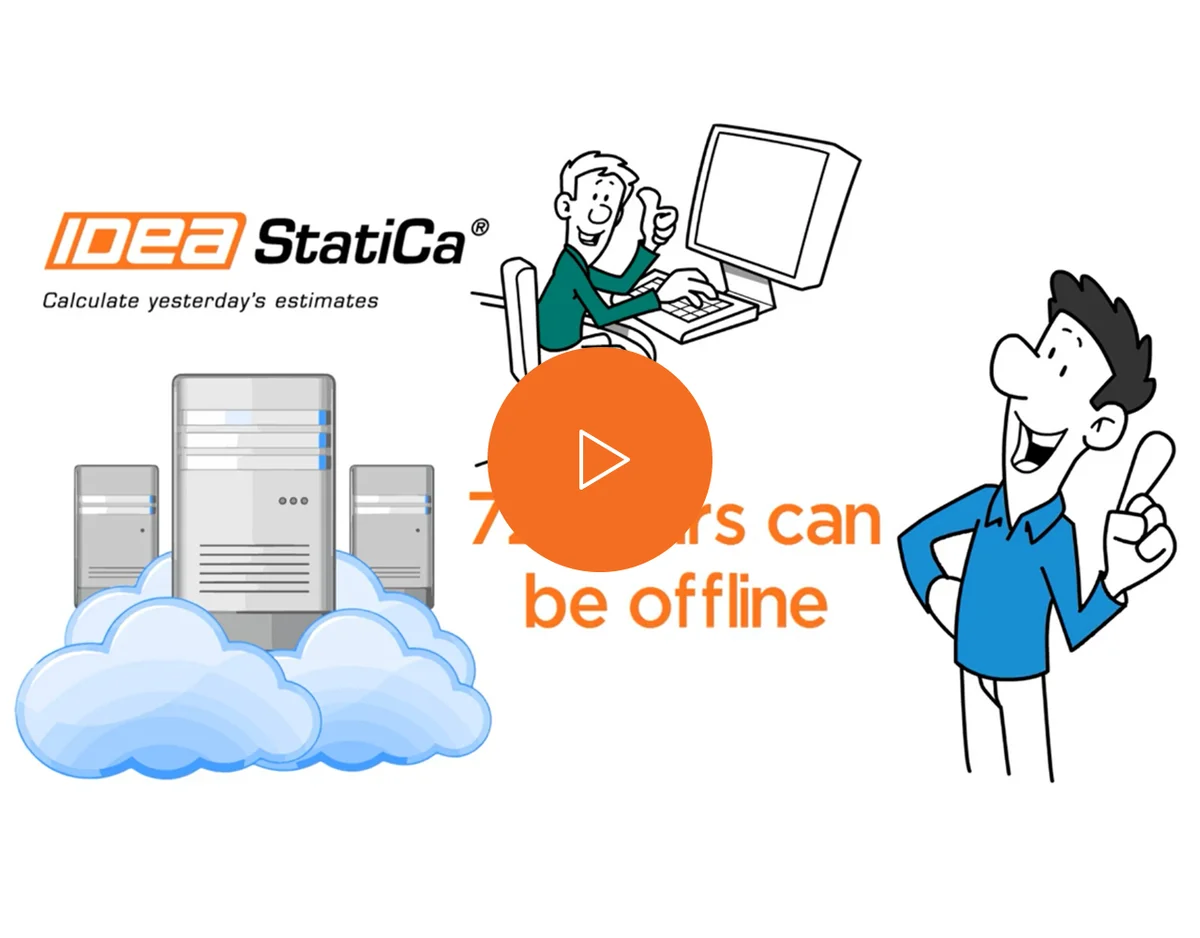
- Works for a specified time without internet
- Admin console to manage your license
- Dynamic pool of licenses per product
HASSLE-FREE LICENSING
The online licensing system of IDEA StatiCa solves all the issues of the old key-based systems.
Everything is provided in a robust and secure IDEA StatiCa cloud for which you need only two things to access – their username (by default, an email) and password.
No, all licenses of IDEA StatiCa are floating. You can switch devices, return the license to the pool, share with your colleagues, and work on the road or from home.
Yes, the out-of-the-box IDEA StatiCa license is valid in the country you specify in the purchase (usually by billing address). Multi-national usage schemes have to be defined by the Enterprise license.
It's entirely up to you, as you can edit this value in hours in the User Portal. You can even turn your computer off and on during this time. Seats are allocated to your machine and are not available to anyone else in your company. After the selected time has elapsed, the license automatically returns to the pool.
- For new licenses created after May 1, 2022, the default is now only 1 hour.
- For all existing licenses, the default value remains 72 hours.
If you have admin privileges, you can do it at https://www.ideastatica.com/Portal/Dashboard
Yes, it is. Based on the EULA, there is a maximum permitted number of individual users per software license. For standard commercial license, there are max. 7 users per seat.
Your license administrator can see and edit how many users are being added to the license in the User Portal https://my.ideastatica.com.
(for example, a new version released, additional seat purchased, etc.)
You only need to restart IDEA StatiCa and be online. Your license will automatically update, no need for any reactivation steps.
Go to https://auth.ideastatica.com/Account/ForgotPassword, input your username, we will send you a recovery mail.
Yes, you can. But each instance of IDEA StatiCa will consume seats from your license according to the products you selected.
Users can define if their license should be released or not in the license dialog using the "Keep products reserved" checkbox.
If the box is checked, the license stays on your computer for 72 hours without the need to be connected to the Internet. And nobody else can access it.
If this checkbox is empty, the license seat will be returned to the license pool immediately after you close IDEA StatiCa. The offline window is not activated, and other users in your organization can get your license immediately. However, this requires a constant connection to the Internet.
The user you want to add may have used his email address in past for a Trial or Educational license. His email may be assigned to another license group. Send us an email to info@ideastatica.com with the email addresses you cannot add and we will fix it.
Try IDEA StatiCa for free
Download a free trial version of IDEA StatiCa
More information about IDEA StatiCa pricing options
Download our trial version of IDEA StatiCa today