Automate manual workflow steps

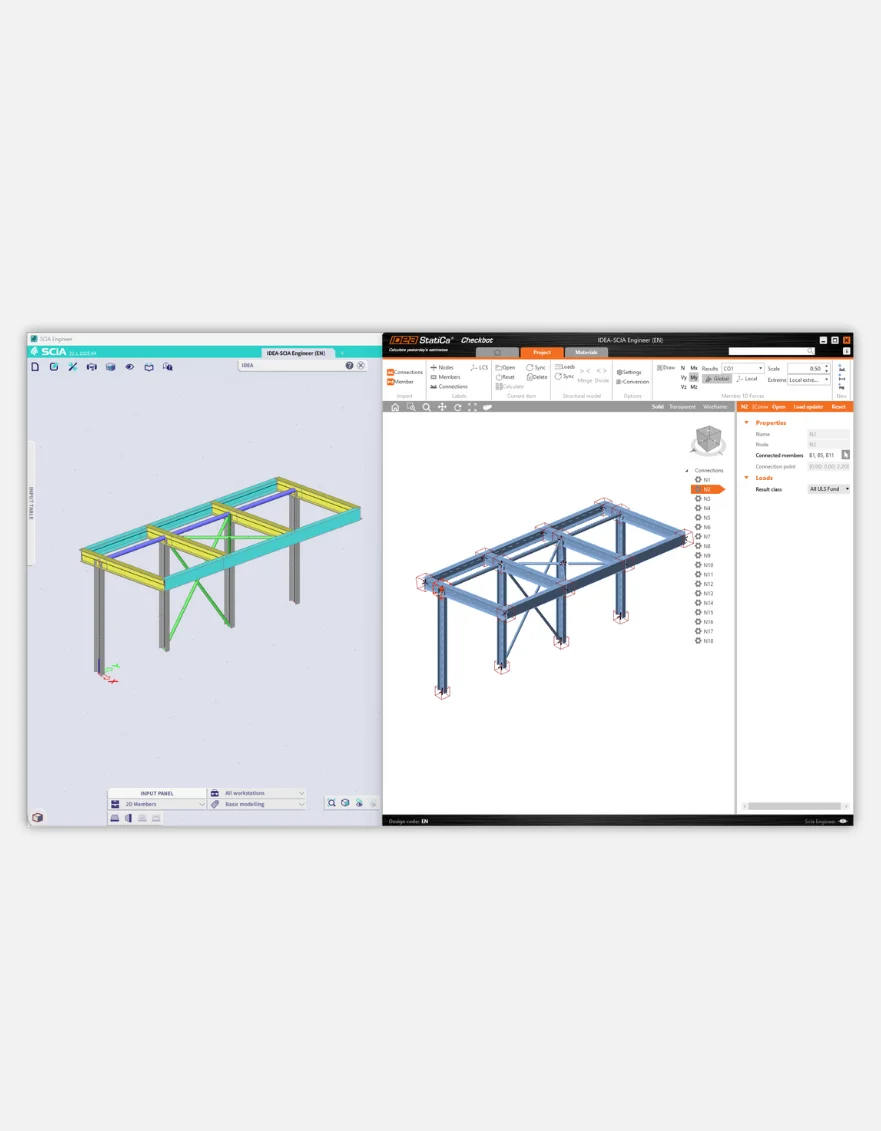
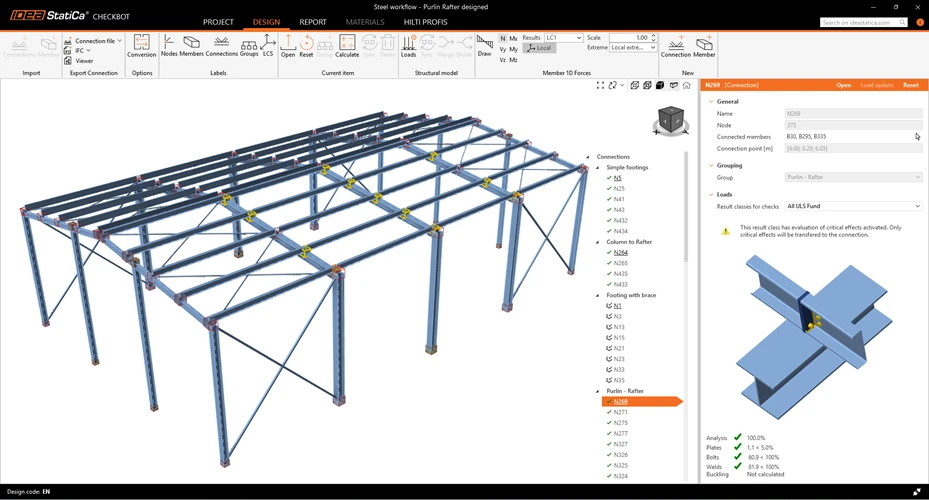
Stop checking connections one by one. Import the design from your FEA or CAD model with IDEA StatiCa Checkbot. Automatically group connections by type, load case, or model status.

  • Map materials and cross-sections with ease
  • Track imported items and see their check status in the 3D scene
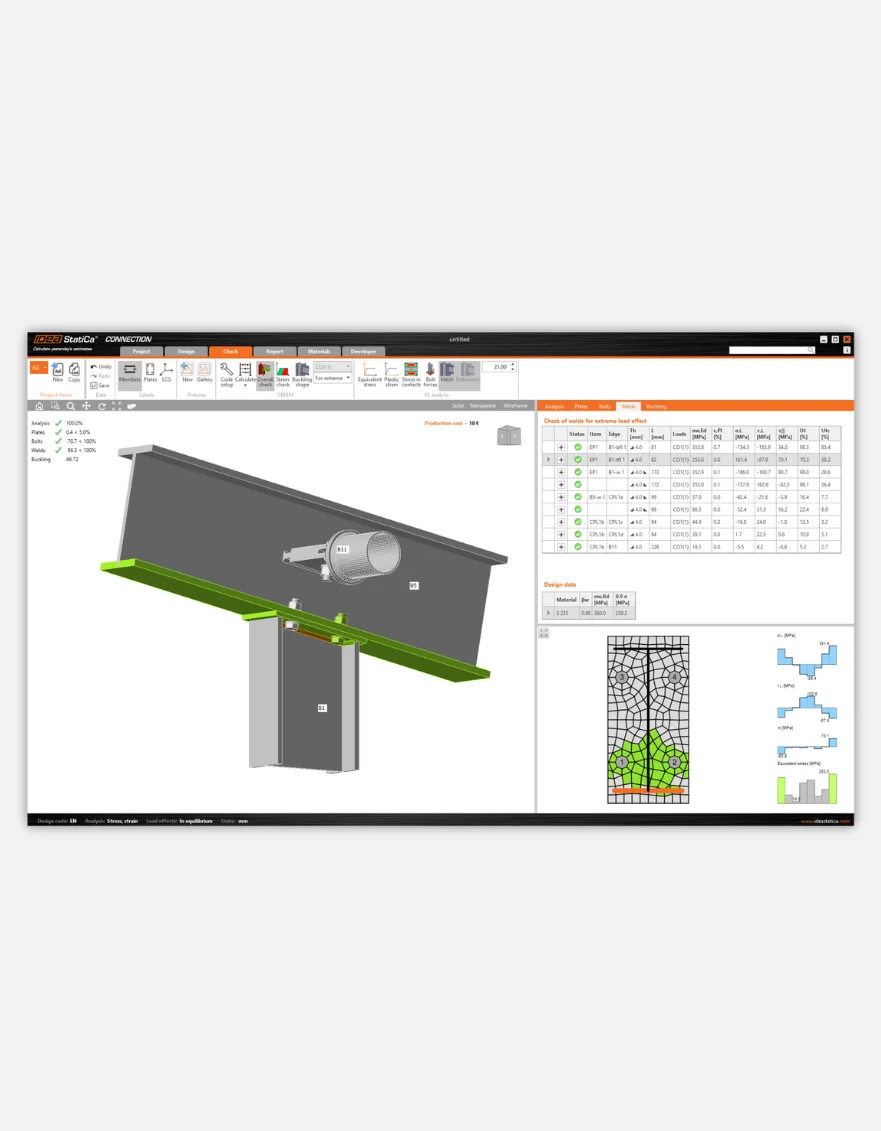
  • Design dozens of connection in one go
  • Analyze critical load combinations to avoid overchecking
Automate manual workflow steps

Optimized process

Import, design, report, and synchronize.

Install plugin


Run Checkbot


Import structure

Design and check


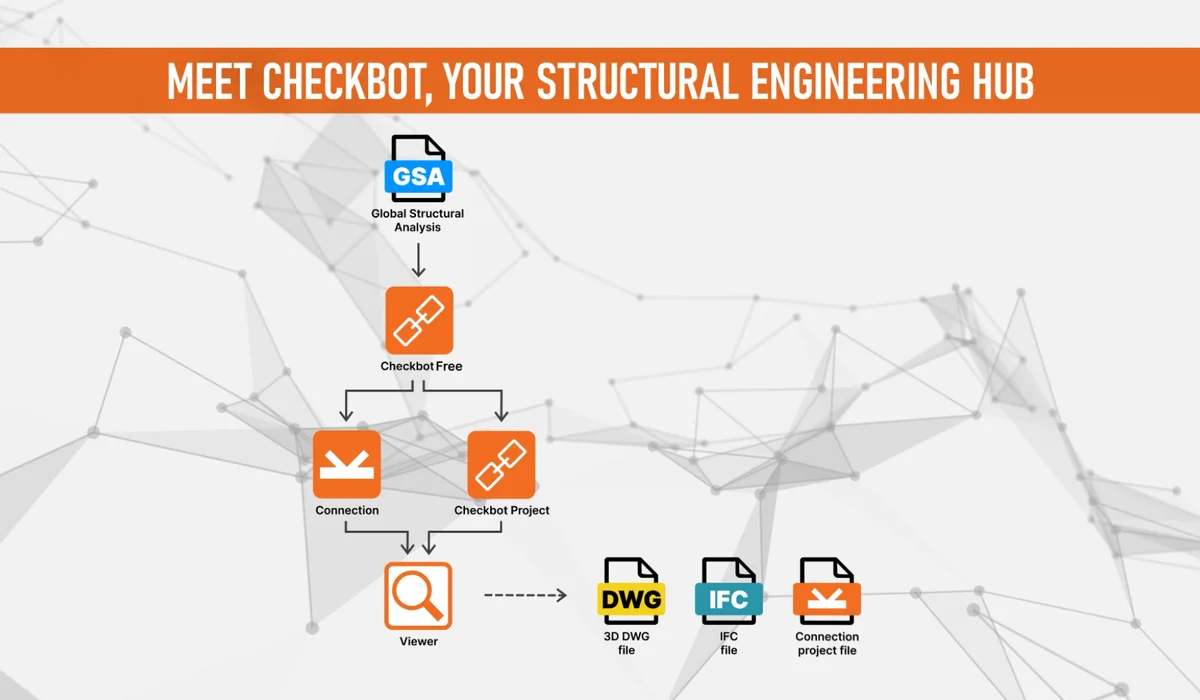
One centralized place for your FEA and CAD data

Synchronize structural details imported to IDEA StatiCa from your FEA and CAD programs. With Checkbot as a structural data hub, you can work with all of your steel elements from other applications like ETABS or Tekla Structures. 
Read more
One centralized place for your FEA and CAD data

Easy to plug-in and use

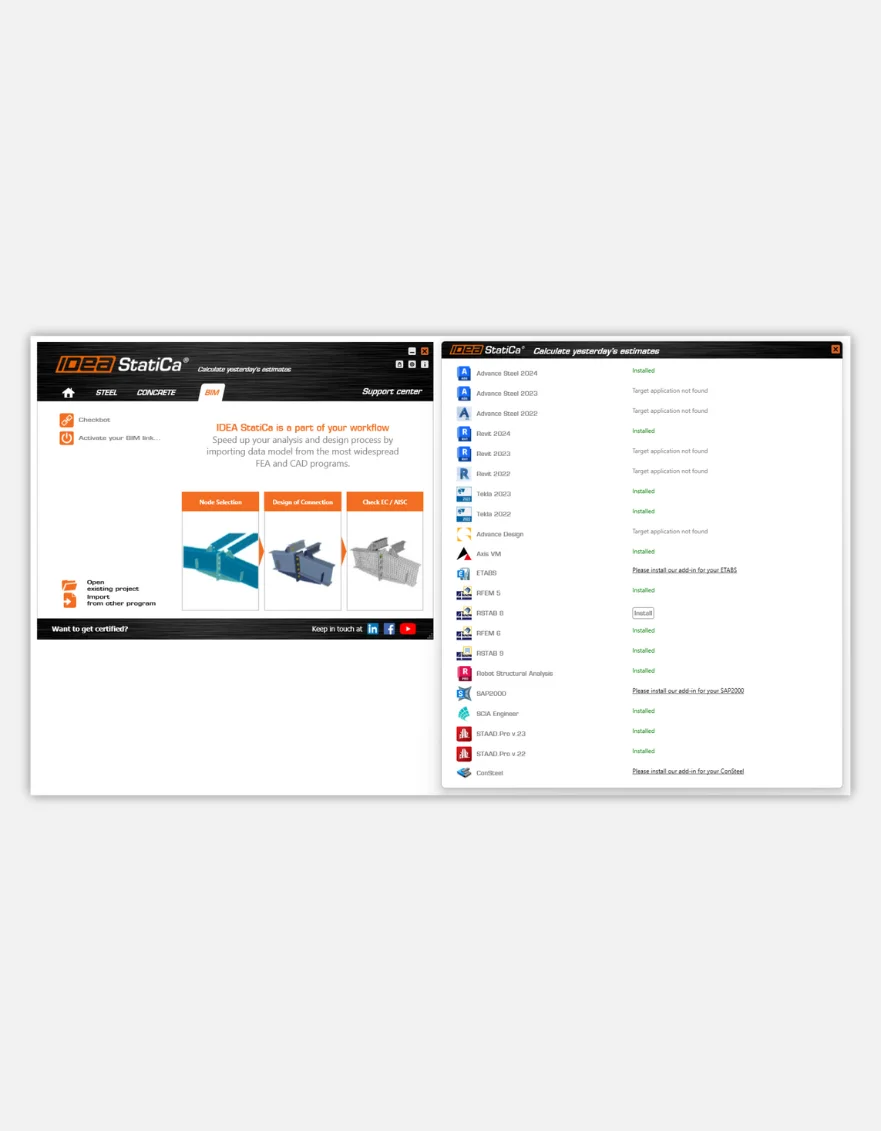
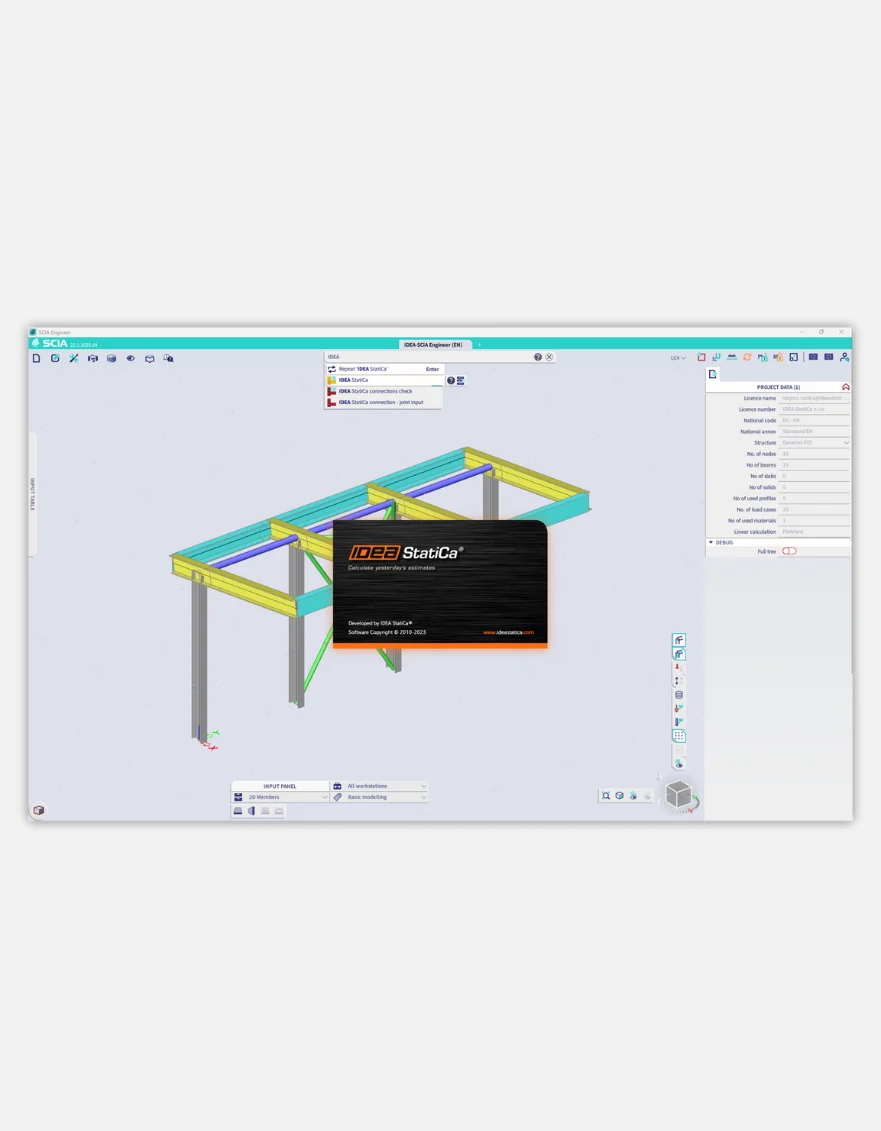
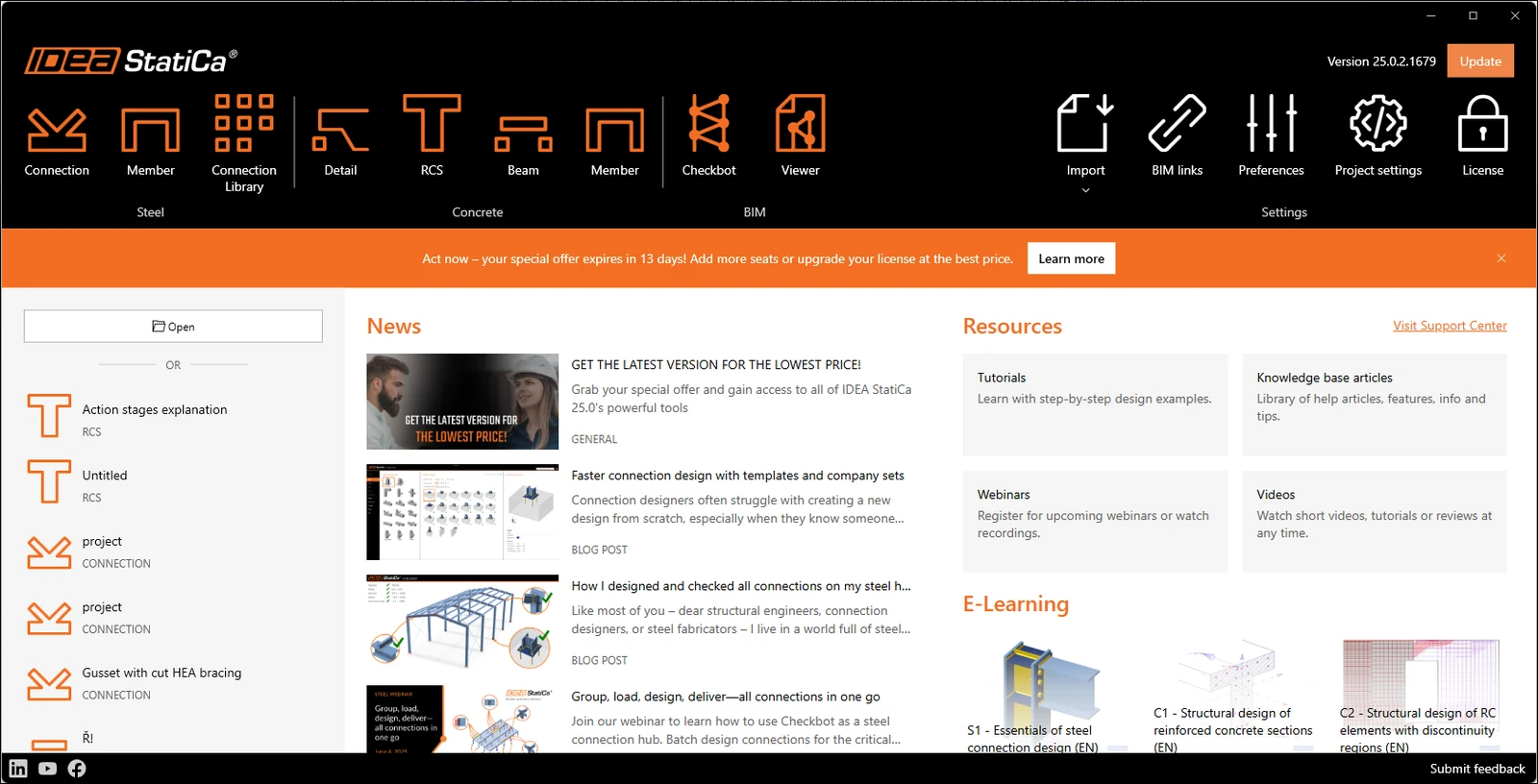
Launch IDEA StatiCa Checkbot via the IDEA StatiCa desktop application or directly within your third-party BIM and analysis software plug-in. 
See supported integrations
Easy to plug-in and use

Free access for all teams

Reduce errors and make data transfer easy. IDEA StatiCa Checkbot is free for everyone, and with the free Viewer browser app, anyone can share and view connections or whole Checkbot projects.
Learn more
Free access for all teams
Try IDEA StatiCa for FREE

Try IDEA StatiCa for FREE

Take our tools for a test drive for 14 days, or schedule a live demo call

Customer stories

Over 58,000 structural engineers love IDEA StatiCa

1 of 3
The solution was stable and fast and everything was done with minimum effort thanks to IDEA StatiCa. It took a third of the time it would have taken us by hand. We’ll definitely use it in the future. It's an eye opener. We knew it could be done, but we didn’t know it would be that easy.
Chew Ooi Teck
Director
Atech Design
Chew Ooi Teck
When designing a structure, we always strive for a reliable and precise design. At the same time, we also look at the proposed design's economic aspects to save the investor the maximum amount of money. Thanks to IDEA StatiCa, we were able to assess the pile head very accurately and design the thickness of the foundation slab accordingly.
Tomas Krivka
Structural Engineer
STATIKON Solutions s.r.o.
Tomas Krivka
I didn't want to model the same node time and again. So, I picked out the decisive points in the structure and rotated them with the vector in the Z direction. This way, I could copy the same connection repeatedly and just input the cross-sections, the angles, and the size of the loads from an Excel sheet. This helped me a lot in calculating the size of the points for this structure.
Alexander van Beelen
Structural Engineer
ASK ROMEIN
Alexander van Beelen