Idea Statica
  • Steel
  • Concrete
  • BIM & Workflows
  • Support & Learning
  • Pricing
  • Company
  • Steel overview
  • Connection design
  • Member design
  • Parametric design
  • Steel case studies
  • Concrete overview
  • Walls and D-regions
  • Anchoring design
  • Concrete case studies
  • BIM Overview
  • Supported integrations
  • Checkbot
  • Viewer
  • APIs
  • Support Center
  • E-learning & certification
  • Blog
  • Downloads & Licensing
  • Plans
  • Free community tool
  • Enterprise customers
  • Students & educators
  • How much will you save?
  • About us
  • Contact
  • Research & development
  • Authorized resellers
  • Meet our customers
  • Career
  • Steel
    Steel overviewConnection designMember designParametric designSteel case studies
  • Concrete
    Concrete overviewWalls and D-regionsAnchoring designConcrete case studies
  • BIM & Workflows
    BIM OverviewSupported integrationsCheckbotViewerAPIs
  • Support & Learning
    Support CenterE-learning & certificationBlogDownloads & Licensing
  • Pricing
    PlansFree community toolEnterprise customersStudents & educatorsHow much will you save?
  • Company
    About usContactResearch & developmentAuthorized resellersMeet our customersCareer
14-Day Trial
14-Day Trial

Subscribe to our newsletter

Company

  • About us
  • Partners
  • Careers
  • Patent

Resources

  • Customer projects
  • Case studies
  • Connection Library
  • Verification books

Legal

  • EULA
  • Global privacy policy
  • California Privacy
  • TOS Viewer
  • Licensing

Help

  • Contact
  • Quote request
  • Resellers
  • Downloads
FacebookInstagramLinkedInYouTube

ยฉ IDEA StatiCa 2009-2026

Trusted and used worldwide by engineers, fabricators & consultants.

Support CenterKnowledge Base ArticlesBIM link activation for SAP2000 (v23 and newer)
IDEA StatiCa BIM interoperability for steel
IDEA StatiCa BIM interoperability for concrete
BIM links: Supported versions of 3rd party applications
How to run old versions of BIM links
BIM link activation for SAP2000 (v23 and newer)
BIM link activation for SAP2000 (v22 and older)
ETABS and SAP2000 BIM link to Detail
Known limitations for ETABS and SAP2000
Connection designMember designSteelConcreteKnowledge base

BIM link activation for SAP2000 (v23 and newer)

This article is also available in
ENCZDEESFRITPTNLHUROKRPLTHTRVIZH

How to activate the link

As a pre-requisite for this link Microsoft .Net 6 is required. ย This can be downloaded here. ย This should also be installed with administrator rights.

  • Download and install (as administrator) theย latest version of IDEA StatiCa
  • Make sure that you are using theย supported version of SAP2000
  • Start SAP2000 and go to the card Tools where select Add/Show Plugins...
  • Click Browse and define the path to the plugin file: C:\Program Files\IDEA StatiCa\StatiCa 2x.x\net48
  • Select the Checkbot plugin file: IdeaSAP2000v1PluginWrapper.dllย 
  • (For version 24.1.2 and older, the path is: C:\Program Files\IDEA StatiCa\StatiCa 2x.x)
  • (For version 22.1 and older, the plugin file is: SAP2000v21PlugIn_IDEAStatiCa.dll)
  • Add the plugin
  • You can find your new IDEA StatiCa Checkbot plugin in the Tools menu now

Remarks

In case the window with the IDEA StatiCa Checkbot doesn't appear, please go to ย C:\Program Files\Computers and Structures\SAP2000 24 and run as Administrator the file RegisterSAP2000.exe.

If you want to switch the BIM link to another version of IDEA StatiCa, you must load the appropriate plugin file and then restart SAP2000.

Legacy BIM link for old IDEA StatiCa versions

If you are still using the old BIM interface between SAP2000 and IDEA StatiCa Beam, you can select the respective plugin instead of the Checkbot one: SAP2000v21PlugIn_IDEA_Beam.dllย 

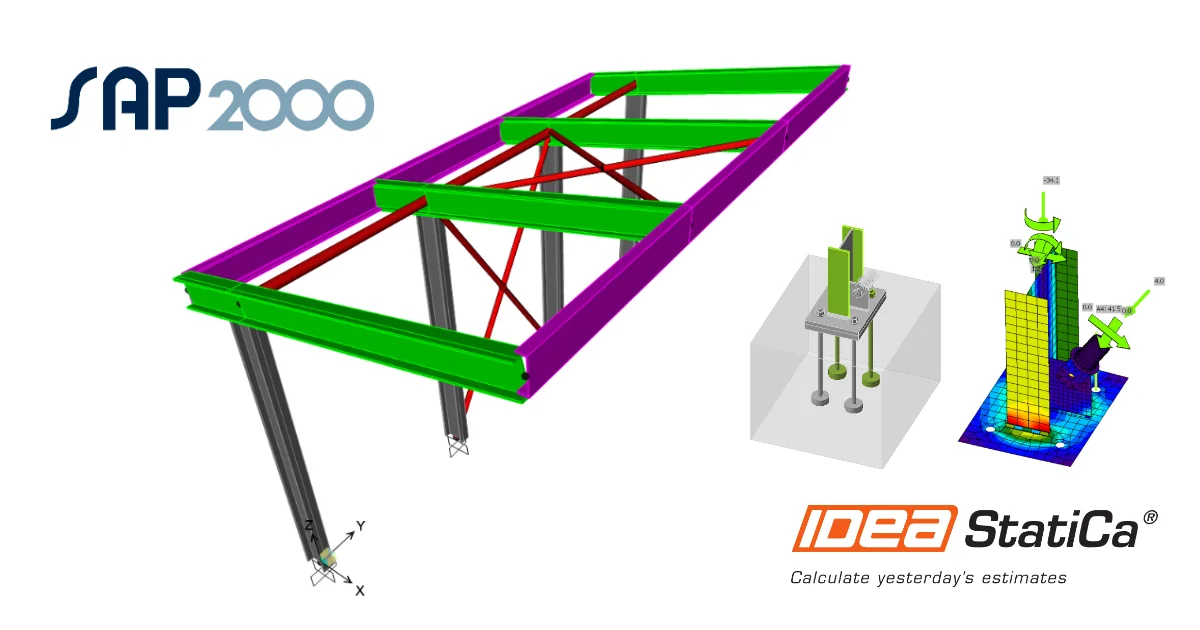
IDEA StatiCa step-by-step tutorial for the structural design of a steel member using the BIM link between SAP2000 and IDEA StatiCa Member.
  • Steel
  • Member
  • Checkbot
  • BIM link
  • SAP2000
  • EN (Eurocode)
  • +6
  • Steel
  • Member
  • Checkbot
  • BIM link
  • SAP2000
  • EN (Eurocode)

Tutorials

SAP2000 BIM link for the structural design of a steel member (EN)

Read more
IDEA StatiCa step-by-step tutorial for the structural design of a steel connection using the BIM link between SAP2000 and IDEA StatiCa. Structural design of welded and bolted steel connections.
  • Steel
  • Connection
  • Checkbot
  • BIM link
  • SAP2000
  • EN (Eurocode)
  • +6
  • Steel
  • Connection
  • Checkbot
  • BIM link
  • SAP2000
  • EN (Eurocode)

Tutorials

SAP2000 BIM link for the structural design of a steel connection (EN)

Read more
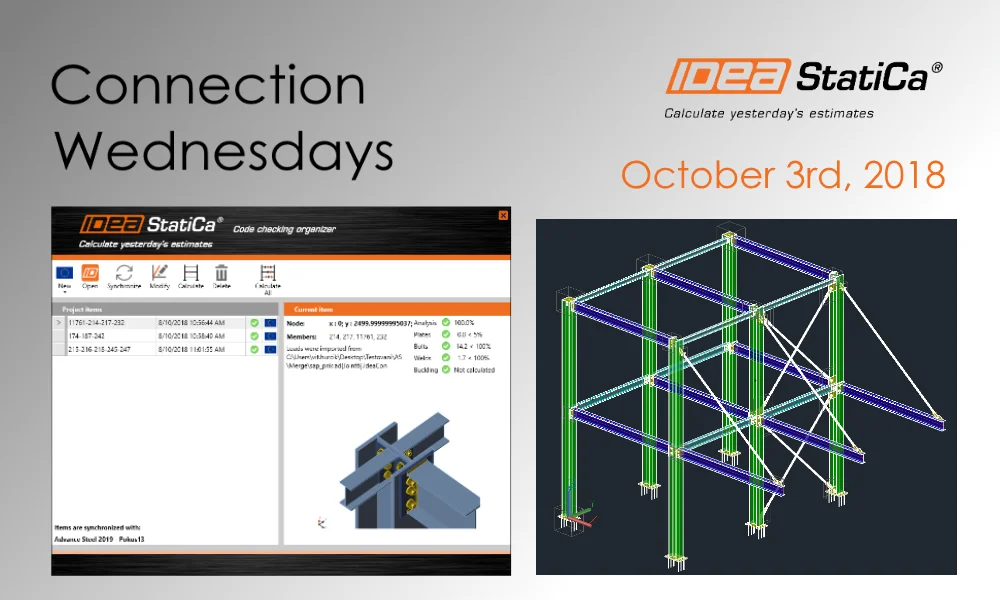
Imported joint from SAP2000 merged with Advance Steel
  • Steel
  • BIM link
  • SAP2000
  • Advance Steel
  • +4
  • Steel
  • BIM link
  • SAP2000
  • Advance Steel

Webinar

Imported joint from SAP2000 merged with Advance Steel

Read more
A step-by-step tutorial showing how to use the IDEA Code-check manager to import a 3D joint model from Tekla Structures and merge it with internal forces imported from a SAP2000. Structural design of welded and bolted steel connections.
  • Steel
  • Checkbot
  • EN (Eurocode)
  • BIM link
  • Tekla Structures
  • SAP2000
  • Connection
  • +7
  • Steel
  • Checkbot
  • EN (Eurocode)
  • BIM link
  • Tekla Structures
  • SAP2000
  • Connection

Tutorials

How to combine Tekla Structures and SAP2000 for steel connection design (EN)

Read more