

SDS2 to IDEA StatiCa workflow
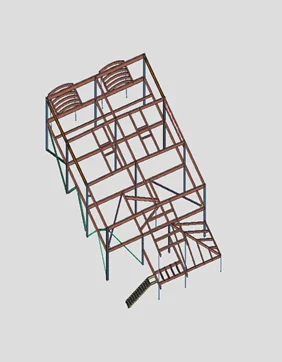
Model connection in SDS2
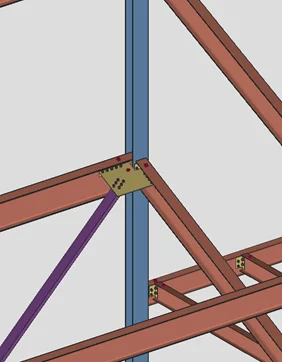
Import connections in Checkbot
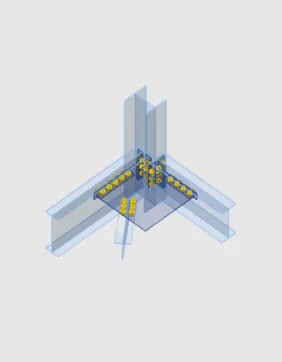
Apply loads and run analysis
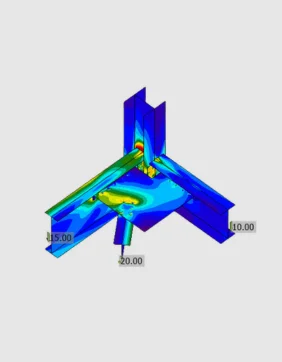
Code-check and optimize connections
Model connection in SDS2
Import connections in Checkbot
Apply loads and run analysis
Code-check and optimize connections
About the SDS2 BIM link
You can model connections in SDS2, and from within the application directly export them to IDEA StatiCa. Within IDEA StatiCa you can apply the loads to the connection, and then code-check your connection. All beams, cross-sections, and operations (bolts, holes, welds, and cuts) are also completely synchronized if the SDS2 model changes. IDEA StatiCa and SDS2 give you an efficient workflow for your structural steel design that saves time, minimizes errors, helps with optimization, and makes the data available to your colleagues or subcontractors doing detailing and fabrication.
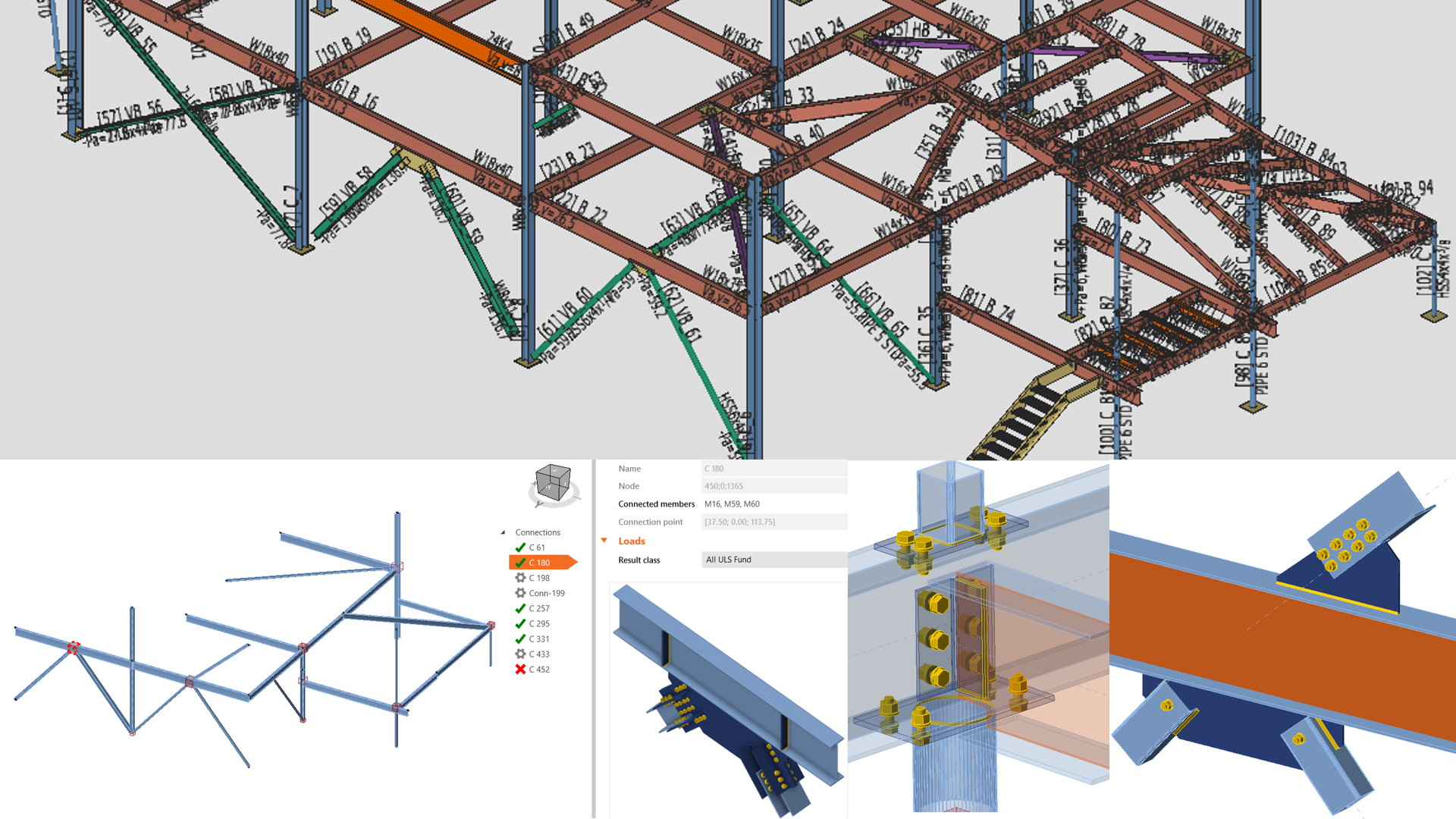
The BIM link is managed by IDEA StatiCa Checkbot – an application for the management of BIM workflows. This means you can:
- Export and synchronize connections and members easily
- Have complete control over all of your imported connections and members
- See a clear list of all imported items including status checked/not-checked
- Create a 3D visualization of imported members
- See a conversion table for materials and cross-sections
Read more about How Checkbot works.
SDS2 BIM link video
How to get started
Getting started is easy!
- Download and install both applications on the same PC.
- Open the IDEA BIM Links App - IDEA StatiCa will automatically detect the Installation of the Software.
- Click Install or follow the instructions in the tutorial for more details.
- Start exporting and designing steel connections right away!
Please note that like with most software, there is always a short delay when new versions are released and the BIM links are updated. Please check out the list of compatible versions before installing the plugin.
We have prepared a document which you can download here that will assist you in the interim in using the link from SDS2 and Checkbot.
SDS2 v2023i BIM Link usage
SDS2 v2023i BIM Link info doc