SCIA Engineer to IDEA StatiCa workflow
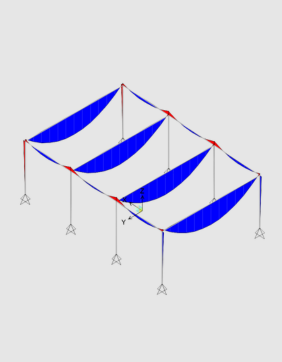
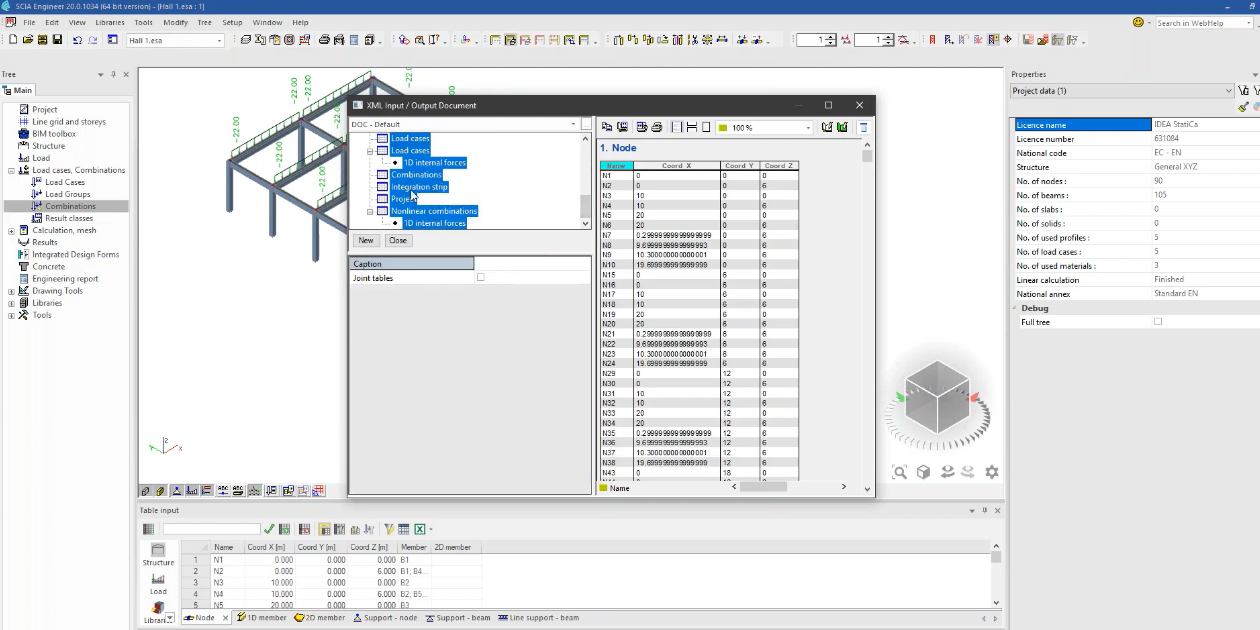
Perform global analysis in your FEA
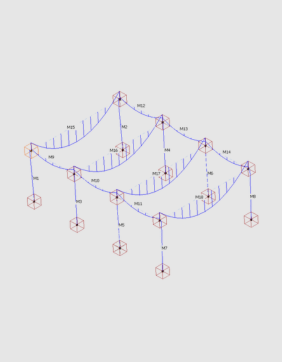
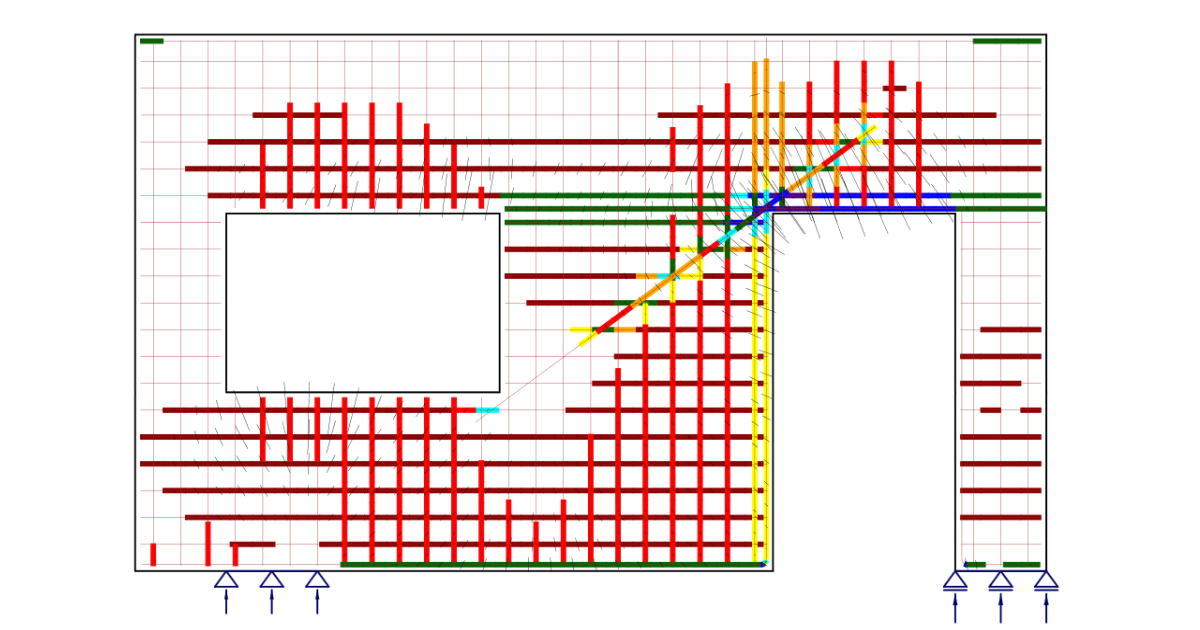
Share structure and forces with IDEA StatiCa
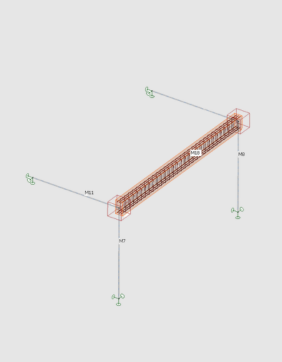
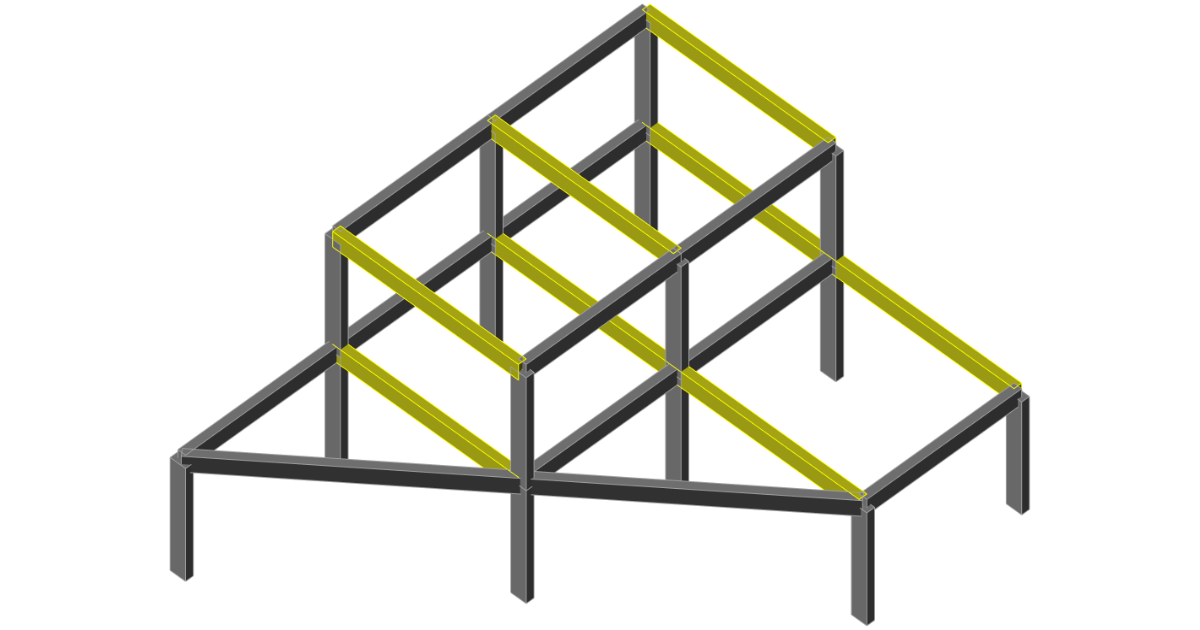
Design selected members
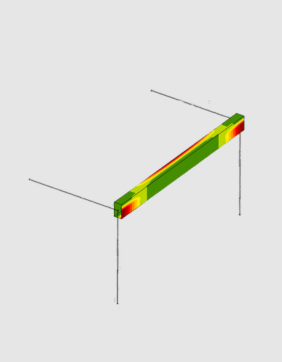
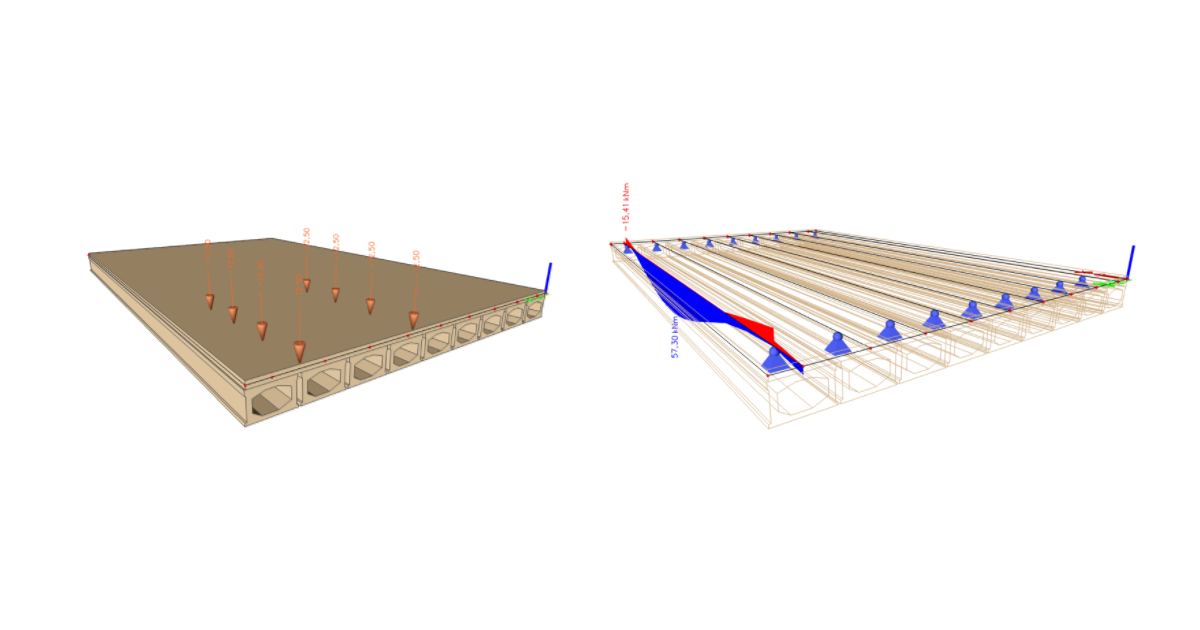
Code-check and optimize members
Perform global analysis in your FEA
Share structure and forces with IDEA StatiCa
Design selected members
Code-check and optimize members
About the SCIA Engineer plugin
You can select any concrete member or part of the whole SCIA Engineer model and export it to IDEA StatiCa for structural design. All the members, cross-sections, and internal forces are also completely synchronized if the SCIA Engineer model changes. IDEA StatiCa and SCIA Engineer give you an efficient workflow for your structural concrete design that saves time, minimizes errors, and opens up optimization possibilities.
There are two ways to connect IDEA StatiCa and SCIA Engineer.
SCIA Engineer to IDEA StatiCa BEAM
The first way is to directly connect the selected beam from SCIA Engineer to IDEA StatiCa Beam, where the reinforcement or complex prestressing design, including TDA, is possible.
SCIA Engineer BIM link video
SCIA Engineer to IDEA StatiCa Checkbot
The second option is to export part of the structure or the whole structure into IDEA StatiCa Member through Checkbot.
The BIM link is managed by Checkbot - an application for the management of BIM workflows. This means:
- Export and synchronize members easily
- Complete control over all of your imported members
- A clear list of all imported items including status checked/not-checked
- 3D visualization of imported members
- Conversion table for materials and cross-sections
- Load combinations management
Read more about How Checkbot works.
How to get started
You do not need anything special to get started - just download and install both applications on the same PC, and activate the BIM link in a few easy steps. And you can start exporting and designing concrete members right away.
Projects shared in last 12 months
People using IDEA StatiCa desktop tools over last 12 months
Companies using IDEA StatiCa