

What is an API?
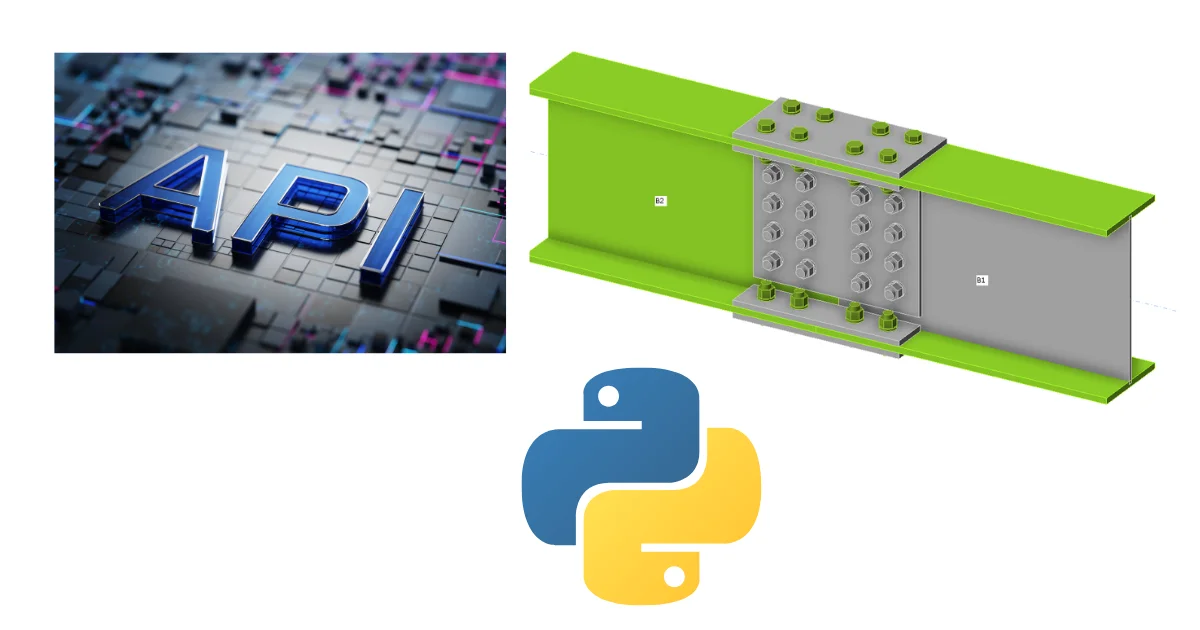
API stands for Application Programming Interface, which is an interface that enables communication between two programs.
Imagine a restaurant. You’re sitting at a table and ordering food. You don’t need to know how the kitchen works or who’s preparing the meal. You give your order to the waiter, who takes it to the kitchen, and in a few moments, your meal is served.
An API works in a similar way.
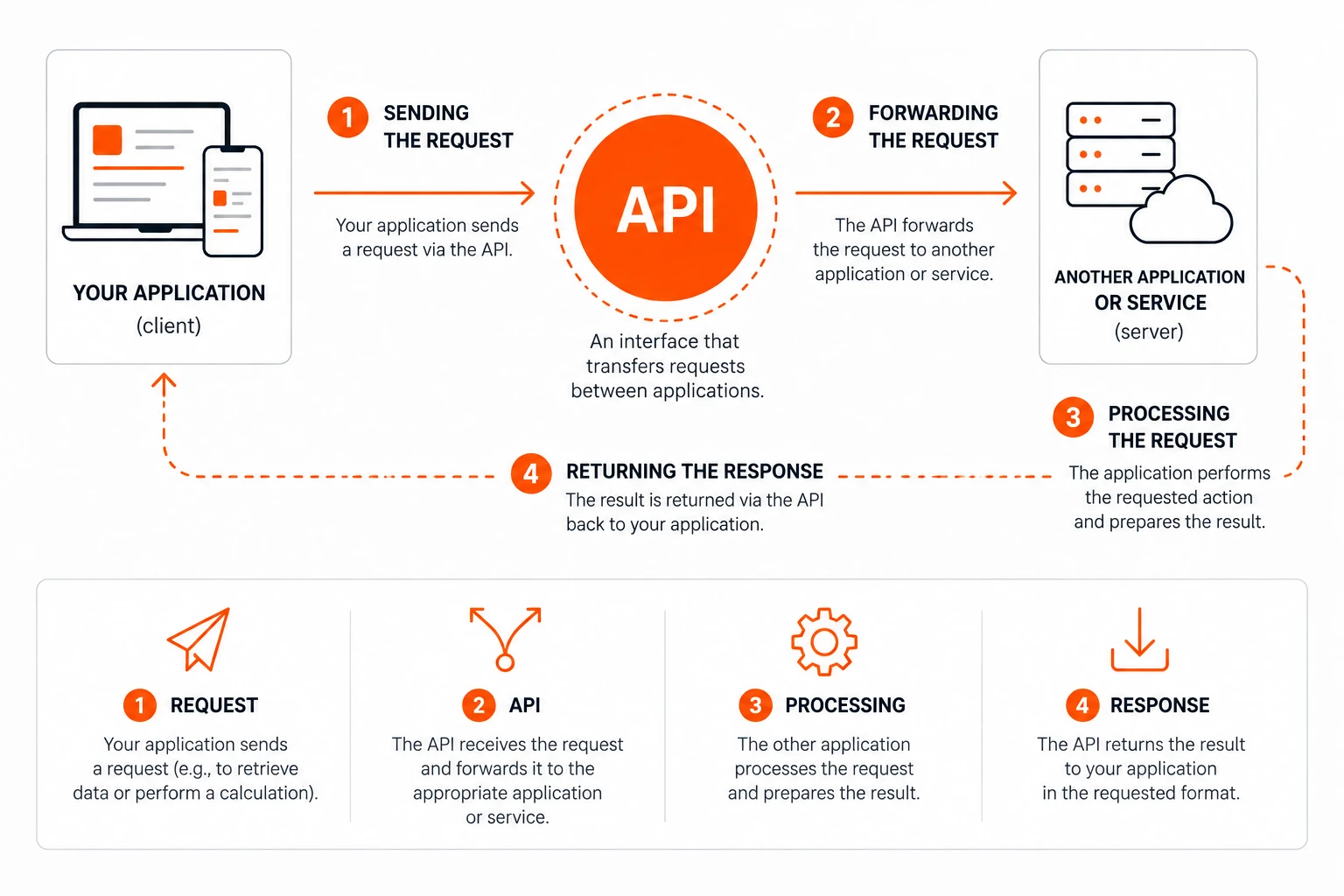
One application sends a request; the API forwards it to another application, which performs the requested action and returns the result. You don’t need to worry about what’s happening “behind the scenes”—all you need to know is what result you want to get.
Do I need to know how to program?
The short answer is: it depends on what you want to achieve.
If you want to use pre-built integrations or existing scripts, you often won’t need to program. However, if you plan to create your own automations or integrate IDEA StatiCa with other software, a basic knowledge of programming can come in handy.
No one expects you to be able to write an entire script on your own. A major advantage, however, is being able to read the code, understand its basic logic, and recognize what each part does. This allows you to easily modify existing scripts or verify that they do exactly what you need.
If you want to make working with the API as easy as possible, try the IDEA StatiCa Connection API Assistant for Python. Simply describe what you want to automate, and the assistant will help you create a Python script using the official Connection REST API. There are also ready-made examples of common automation tasks that you can use as-is or customize to suit your needs.
Illustrative example of a Python script using the IDEA StatiCa Connection API – This is not a complete, executable script.
What can be automated using the API?
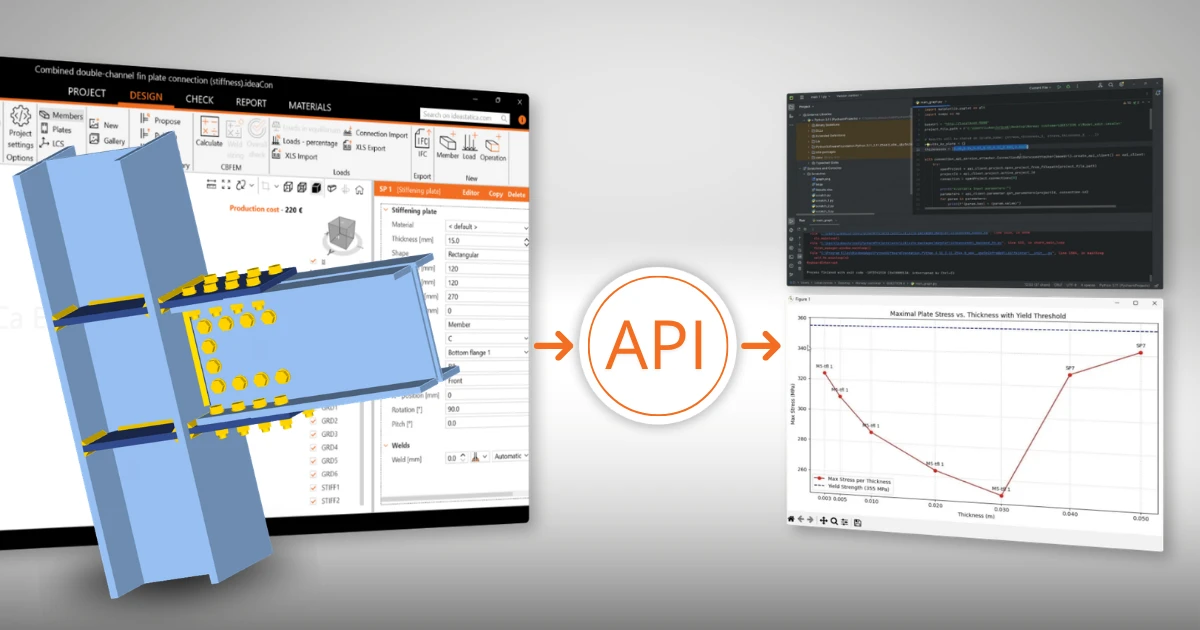
In IDEA StatiCa, you can use the API to, for example:
- automatically create new projects
- apply templates
- run calculations
- export results and reports
- integrate the software with internal company tools or other applications
- process a large number of models without manual work
The more repetitive tasks you handle, the greater the benefits automation can provide.
How does this work in practice?
Imagine you need to perform the same workflow repeatedly across many projects.
Without automation, you would need to:
- Open the project
- Apply a template
- Enter the loads
- Run the calculation
- Export results
→ And repeat the entire process over and over again.
You can automate the entire process using the API. The script will complete all the steps in a matter of moments, allowing you to focus on the design itself instead of repetitive clicking.
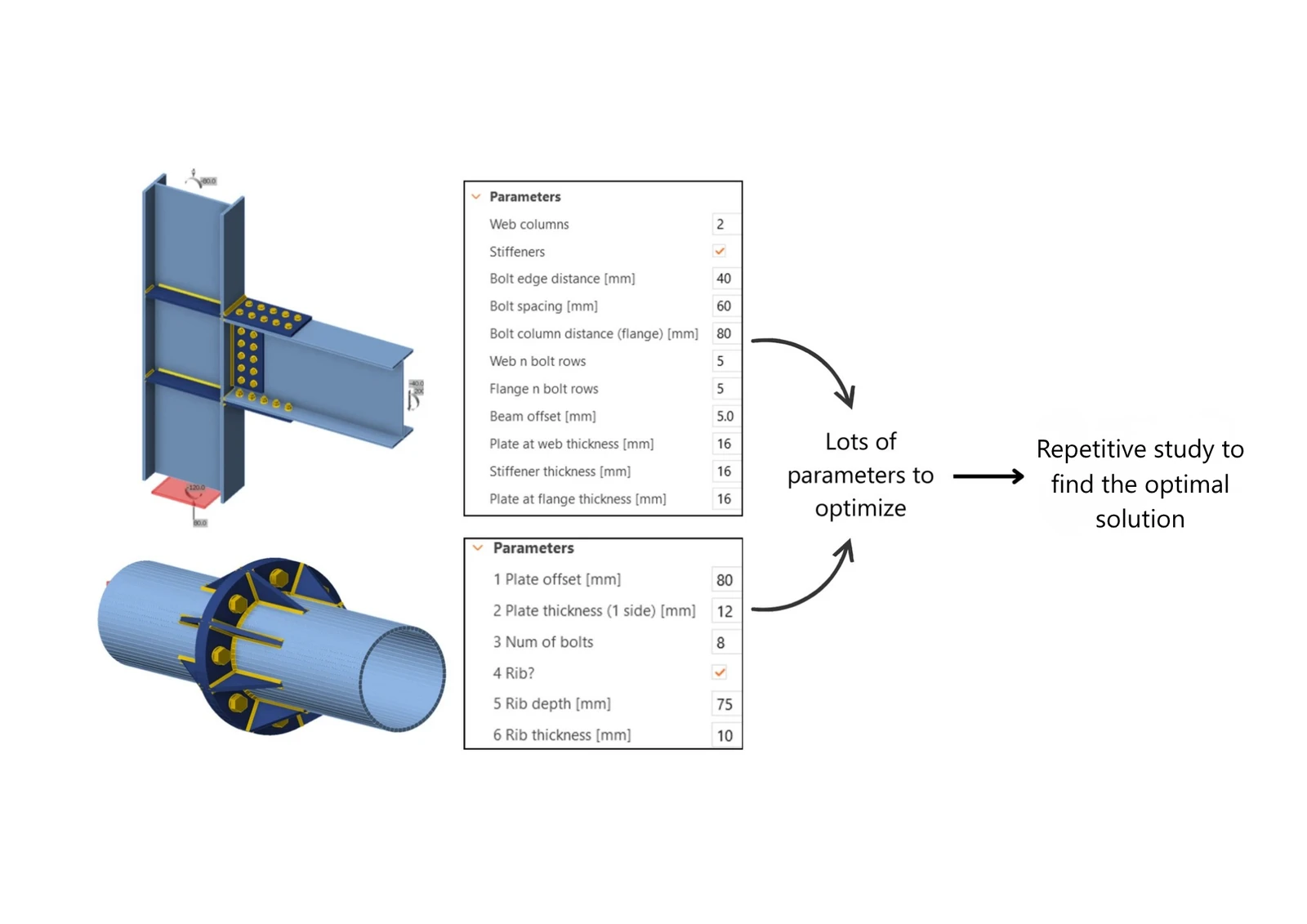
The same principle can also be used for more advanced automation. The API isn’t just for speeding up repetitive tasks—it also lets you create custom applications tailored to specific workflows.
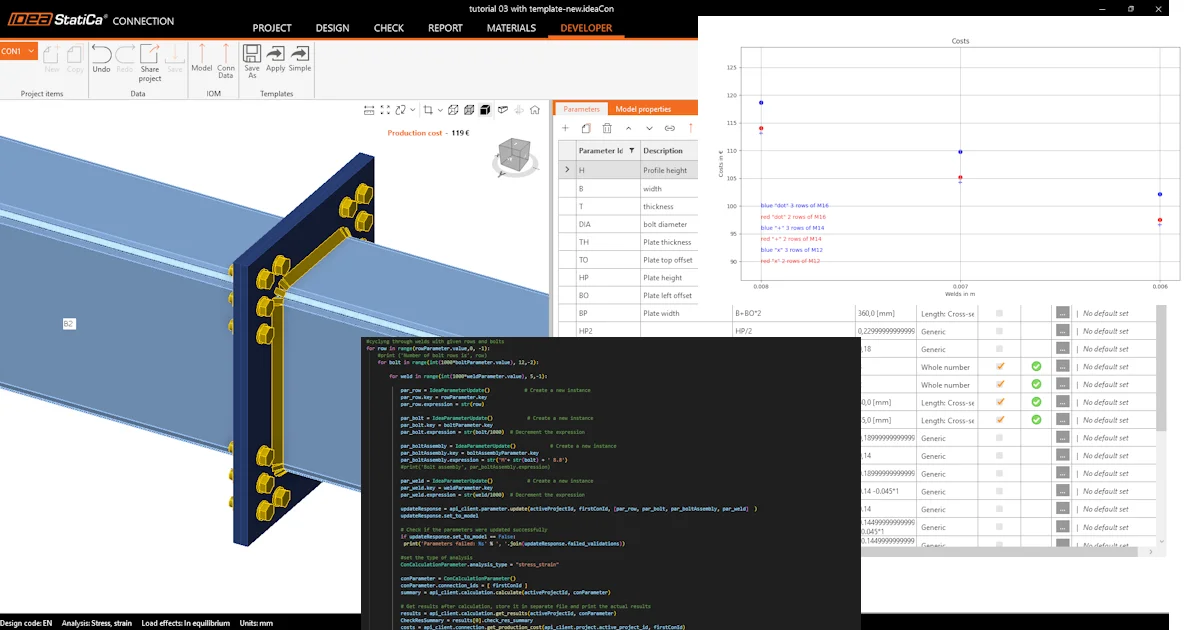
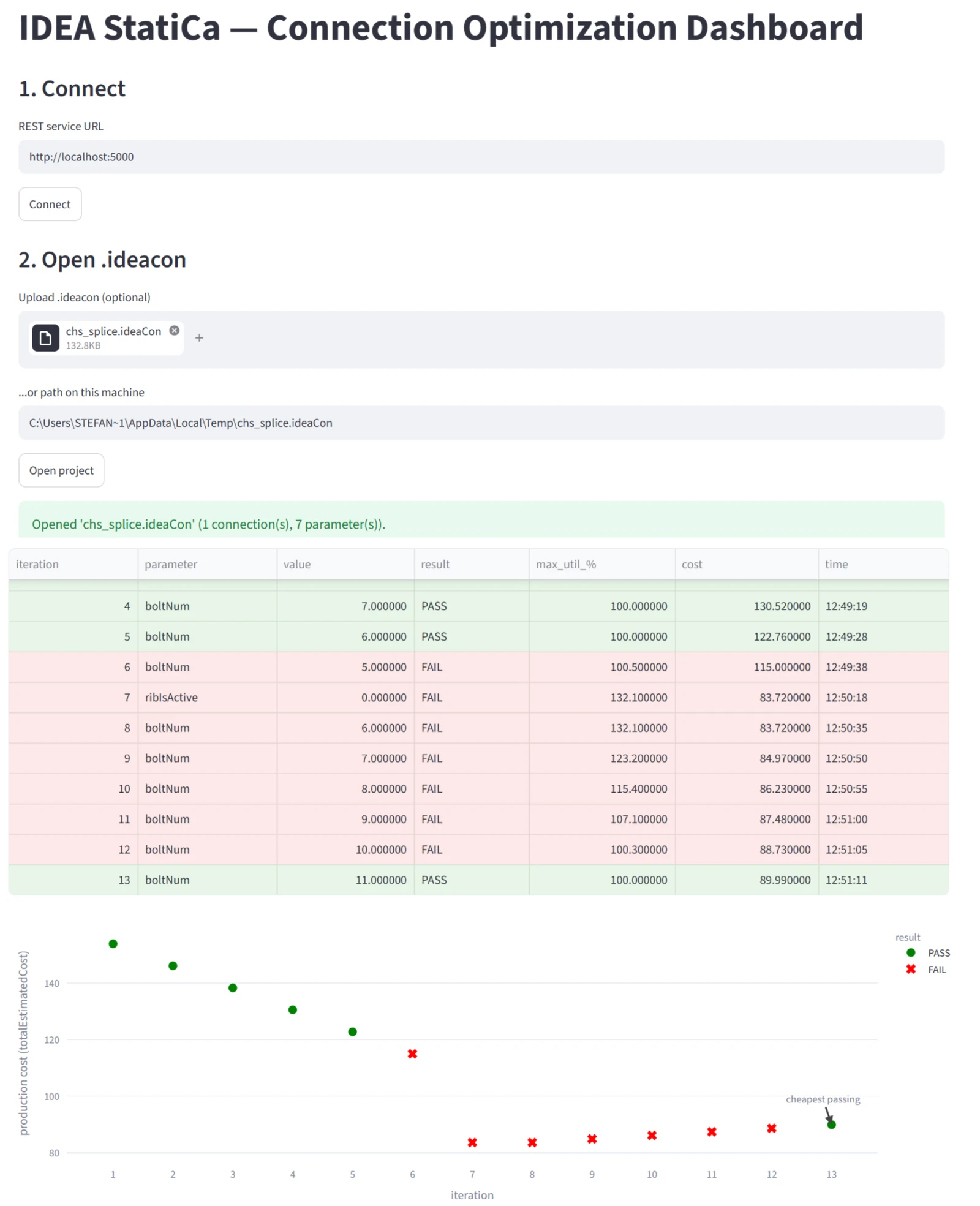
The image below shows an example of an optimization dashboard created using the IDEA StatiCa Connection API. The application automatically opens the project, adjusts selected connection parameters, runs calculations, and continuously evaluates the results. This allows the user to compare dozens of variants in just a few minutes and find the most suitable solution without having to perform each step manually.
Furthermore, similar applications can now be created significantly faster thanks to modern AI tools that assist with both design and code generation.
Where to start?
If you’re just getting started with APIs, we recommend taking it step by step.
Get familiar with the basics
If you've never worked with the API before, start with the article "Getting Started with the API—The Basics," where you'll learn the fundamental principles and create your first project using the API.
Try Your First Automation
Once you understand the basics, you can move on to practical examples:
- “Getting Started with APIs – Batch Import of Combinations” – shows you how to automatically import load combinations.
- Getting Started with the API – Importing a Template and Running a Calculation – teaches you how to create a project from a template and automatically run a calculation.
Do you need to integrate with other software?
The API allows you to integrate IDEA StatiCa with other tools and create your own workflows. If you’re interested in a specific integration, check out:
Looking for the complete documentation?
If you already know what you’re looking for, visit the API/Developer Documentation website, where you’ll find comprehensive reference documentation, examples, and other technical information.
Want to use AI in your programming?
If you’re using Claude Code, you might find the article “How to Use Claude Code for the Connection API” helpful; it shows you how to use artificial intelligence when developing automations.
Summary
- The API isn’t just for programmers. It’s a tool that lets you connect different applications, automate repetitive tasks, and streamline your daily work.
- Whether you want to handle a larger number of projects, integrate IDEA StatiCa with other tools, or streamline your company’s workflow, the API can help you work faster, more accurately, and with less routine work.
- When you’re ready, continue with one of the follow-up articles. They’ll help you master the basics of working with the API and gradually discover ways to automate your own workflows.
Try IDEA StatiCa for free
Start your trial today and enjoy 14 days of full access and services free of charge.
Start free trial