No son las uniones complejas las que te frenan
Seamos honestos por un momento. La mayoría de nosotros, quienes estamos familiarizados con IDEA StatiCa Connection, disfrutamos resolviendo uniones complejas. La conexión extraña en la esquina con múltiples elementos, excentricidades y cargas que van en todas las direcciones posibles: ahí es donde la ingeniería se vuelve interesante, y donde esta herramienta basada en CBFEM realmente demuestra su valor. Pero esos casos son poco frecuentes.
Lo que realmente consume tu tiempo (¡y tu mente!) son las uniones estándar. Decenas, a veces cientos de ellas, repitiéndose a lo largo de la estructura. La misma geometría, cargas ligeramente diferentes y el mismo flujo de trabajo repetido una y otra vez, igual que la telenovela venezolana favorita de tu madre. Ahí es donde reside el verdadero problema.
El flujo de trabajo cotidiano (y sus problemas)
En un proyecto típico, todo comienza en el modelo de análisis global, ya sea SCIA, SAP2000, Robot u otro. Una vez finalizado el análisis, el siguiente paso es trasladar los esfuerzos internos al flujo de trabajo de diseño de uniones. Y aquí es donde las cosas empiezan a volverse ineficientes.
Con mucha frecuencia, esto sigue significando transcribir manualmente los esfuerzos internos a hojas de cálculo. Copiar valores, verificar sistemas de coordenadas, corregir signos... No es especialmente difícil, pero consume tiempo y es propenso a errores.
Además, los modelos globales generan un gran número de combinaciones de carga. Para hacer el problema manejable, los ingenieros tienden a simplificar, utilizando envolventes o seleccionando unas pocas combinaciones "representativas". Aunque este enfoque es comprensible, a menudo conduce a hipótesis conservadoras y, en última instancia, a uniones sobredimensionadas.
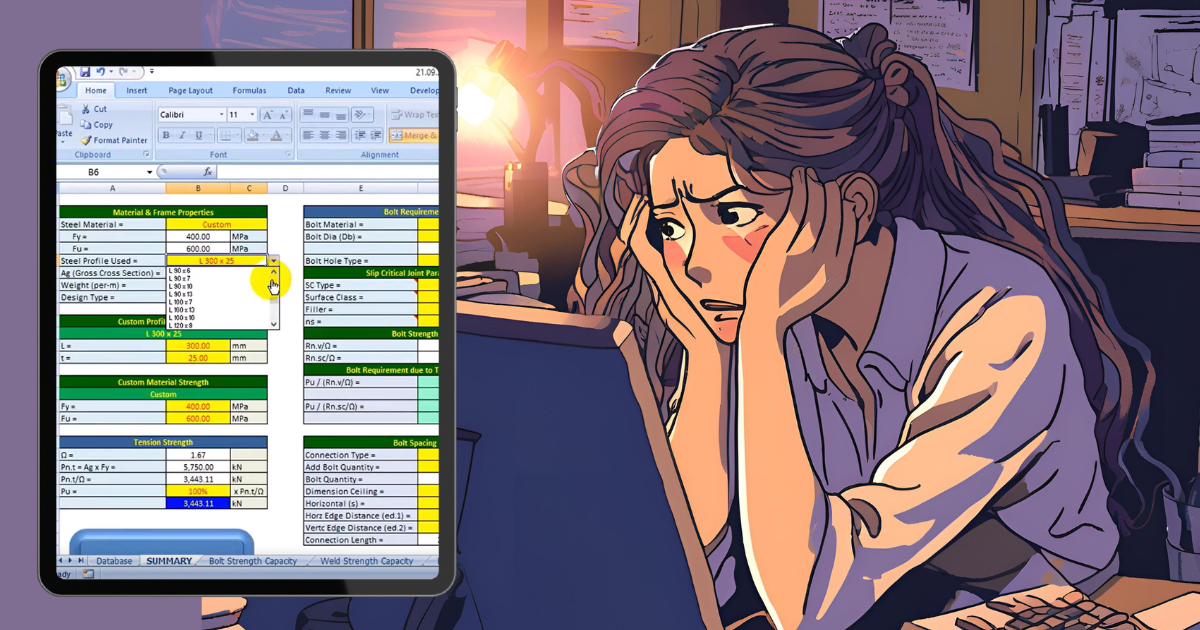
Y luego llega la repetición. Los proyectos de gran envergadura están llenos de juntas similares. La solución habitual es diseñar una unión "típica" y asumir que el resto se comporta igual. A veces funciona. A veces no. En cualquier caso, verificar cada una manualmente no es una opción, a menos que seas devoto del culto al masoquismo.
¿Te resulta familiar? ¿Listo para la solución? Encuéntrala en estos cinco puntos.
1) Gestión de datos – Un enfoque diferente con Checkbot
Este es exactamente el tipo de problema para el que se ha desarrollado IDEA StatiCa Checkbot. En lugar de transferir datos manualmente, importas el modelo completo a través de enlaces BIM. La geometría y los esfuerzos internos en las combinaciones de carga se incorporan automáticamente a un único entorno. No es necesario preocuparse por los sistemas de coordenadas ni por valores faltantes; los datos llegan de forma coherente, listos para usar.
Una vez que el modelo está en Checkbot, la forma de trabajar con las cargas también cambia. En lugar de depender de envolventes, puedes calcular todas las combinaciones de carga directamente. Y si el número es demasiado elevado, la función Calcular extremos de carga ayuda a identificar únicamente los casos determinantes. Esto reduce el esfuerzo de cálculo sin comprometer la precisión y fiabilidad del diseño.
2) Trabajo repetitivo – Diseñar una vez, aplicar muchas veces
Una de las mayores ventajas en proyectos con uniones repetitivas es la agrupación. Checkbot identifica automáticamente las uniones similares y las organiza en grupos. Dentro de cada grupo, solo es necesario diseñar una unión de referencia. El resto hereda la misma lógica de diseño, pero se verifica con sus propios efectos de carga.

Esto significa que ya no tienes que elegir entre eficiencia y precisión: obtienes ambas. En lugar de diseñar manualmente decenas de juntas casi idénticas, defines la solución una vez y dejas que el software la aplique en todo el proyecto.
3) Plantillas – Más allá de las hojas de cálculo
Las hojas de cálculo han sido una herramienta estándar en el diseño de uniones durante años, pero sus limitaciones se hacen evidentes principalmente en proyectos de mayor envergadura.
Con Checkbot, puedes trabajar con plantillas de uniones, ya sea de la biblioteca integrada o de tus propias soluciones predefinidas. Estas plantillas pueden aplicarse a grupos completos de uniones en un solo paso, sin preocuparse por el control de versiones ni por fórmulas rotas.
Las funciones más recientes van aún más lejos. Las plantillas basadas en aprendizaje automático pueden sugerir un diseño inicial basado en casos similares, proporcionando un punto de partida sólido y reduciendo el tiempo dedicado a las primeras iteraciones.

4) Modificaciones – Gestionar cambios sin empezar de cero
En proyectos reales, los cambios son inevitables: las cargas se actualizan, los tamaños de los elementos cambian. Tradicionalmente, esto implicaría volver a las hojas de cálculo, actualizar los datos de entrada y verificarlo todo de nuevo.
Con Checkbot, el proceso es mucho más sencillo. Mediante la función de sincronización, puedes actualizar el modelo directamente desde el software de origen. Los cambios se aplican y los diseños existentes pueden recalcularse casi de inmediato.
Si las uniones ya estaban diseñadas, a menudo se convierte en una tarea de un solo clic: actualizar, recalcular y revisar los resultados. No es necesario reconstruir modelos ni repetir trabajo manual.
5) Resultados – Informes y comunicación simplificados
Otra área donde los flujos de trabajo tradicionales presentan dificultades es la elaboración de informes. En lugar de combinar capturas de pantalla y formatear documentos manualmente, Checkbot te permite generar un informe completo para todas las uniones a la vez, incluyendo imágenes y esquemas. El resultado es coherente, estructurado y listo para compartir.
La colaboración también es más sencilla. Los proyectos pueden compartirse directamente a través de la nube y gestionarse en IDEA StatiCa Viewer. En lugar de enviar archivos de un lado a otro, simplemente compartes un enlace y todos trabajan con los mismos datos.

Reflexiones finales
Las juntas complejas son interesantes, pero las estándar ocupan el tiempo cotidiano. Gestionarlas manualmente es ineficiente y propenso a errores. Al automatizar las tareas repetitivas y mantener el conjunto completo de uniones bajo control, Checkbot permite a los ingenieros centrarse en lo que realmente importa. Olvídate de Esmeralda, hoy hay series mejores que ver.
Pruebe hoy las nuevas funciones de IDEA StatiCa