


Các bước đầu tiên
Chúng tôi khuyến nghị bạn xem qua hướng dẫn Cách bắt đầu với API - Cơ bản 01, hướng dẫn này sẽ giúp bạn tìm hiểu về API và cách thiết lập môi trường.
Tệp Connection
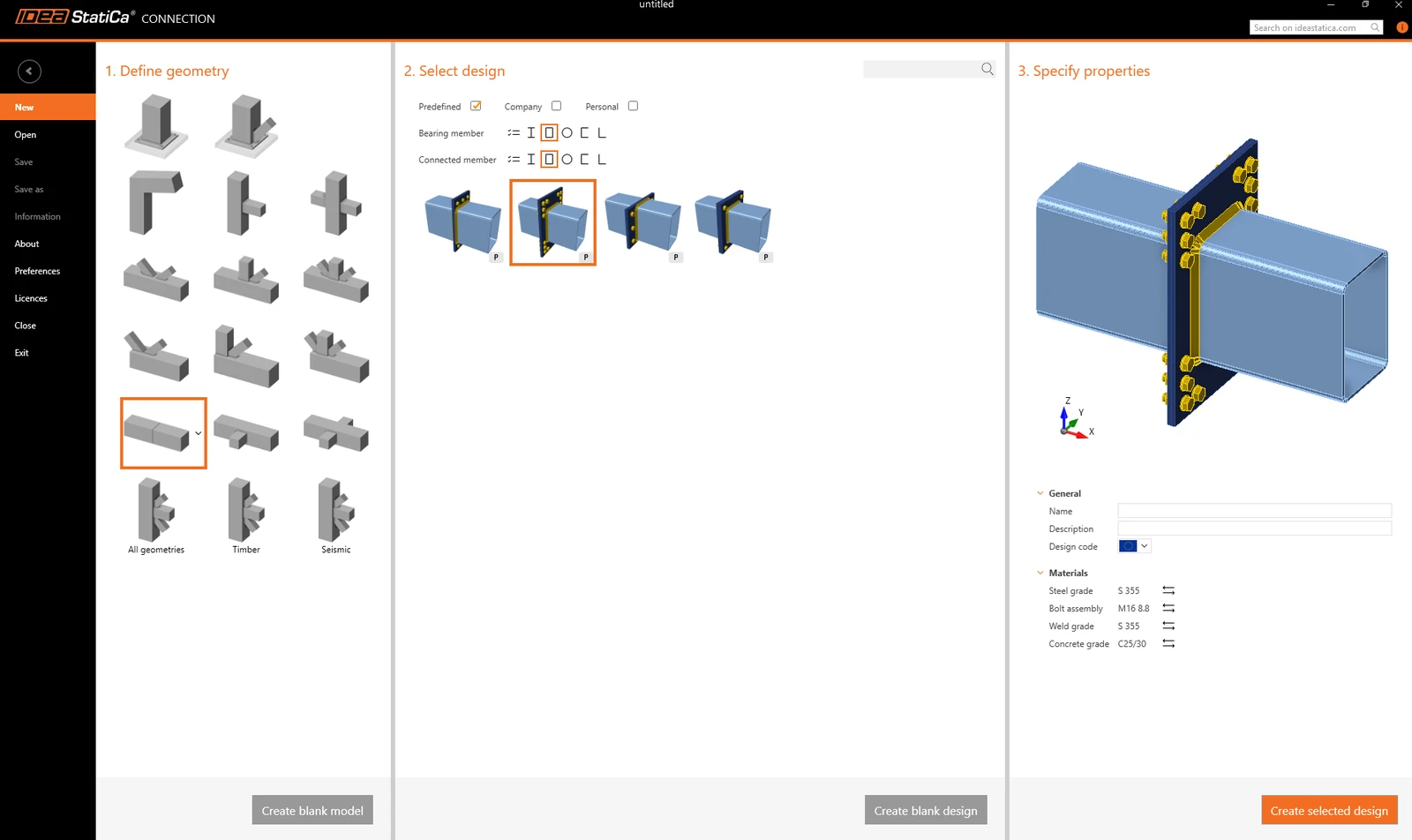
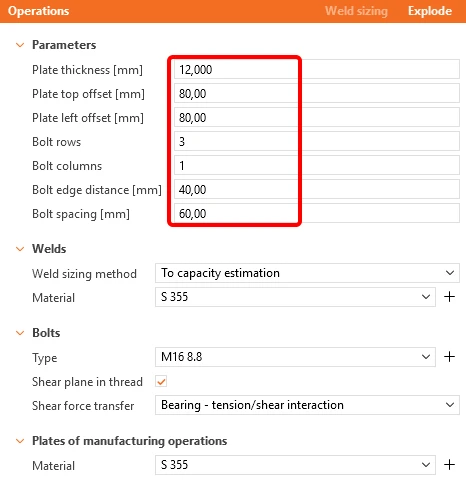
Đầu tiên, tạo một nút liên kết giữa hai tiết diện rỗng RHS 300/200/8 và thay đổi các thông số theo các hình ảnh dưới đây.
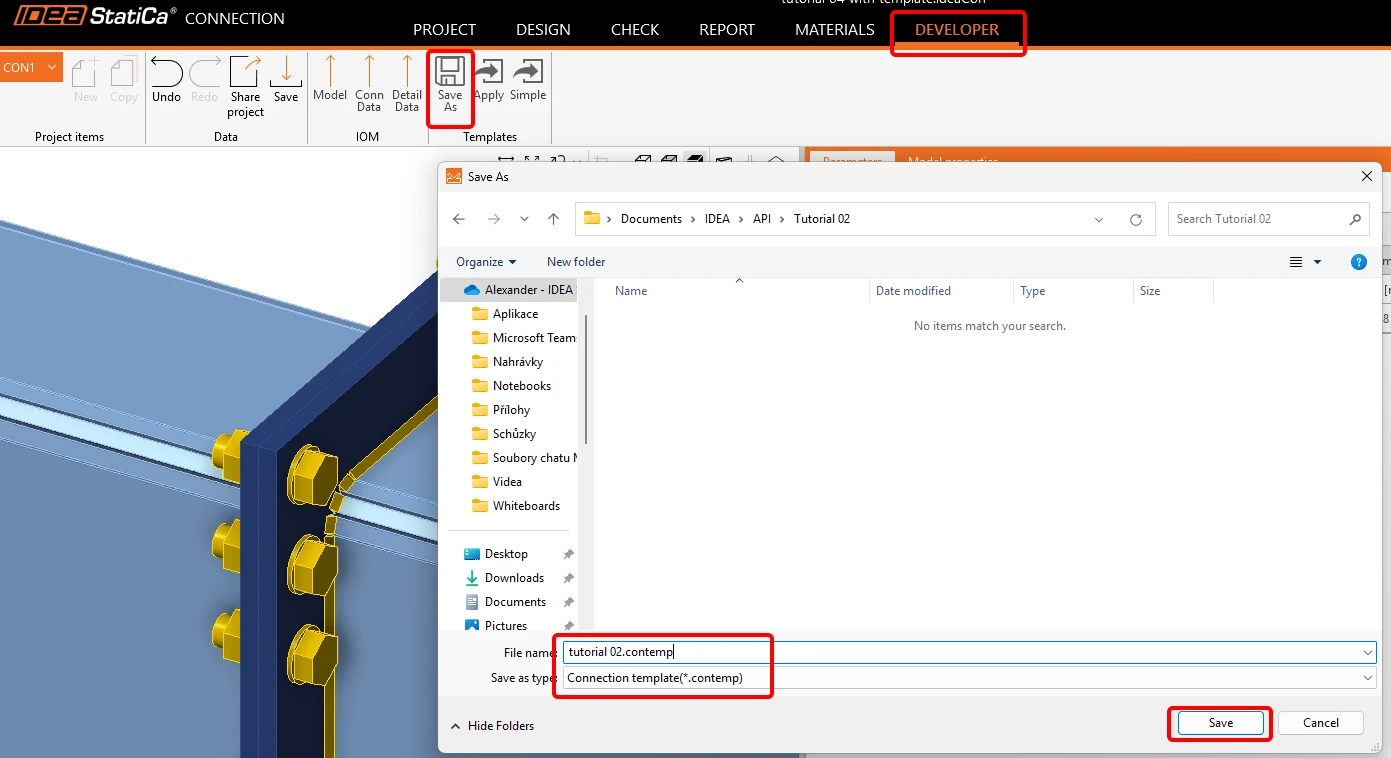
Bây giờ, chuyển đến tab Developer và lưu tệp dưới dạng mẫu với tên tutorial 02.contemp. Chúng ta sẽ sử dụng nó trong hướng dẫn tiếp theo.
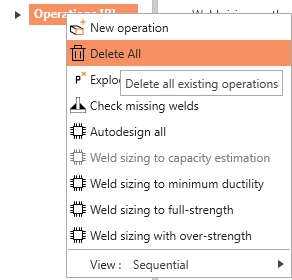
Quay lại tab Design, nhấp chuột phải vào Operations / Delete All, và lưu tệp rỗng này với tên tutorial 02 - empty.ideaCon.
Bảng Excel với các tổ hợp tải trọng
Bước tiếp theo, chuẩn bị một bảng Excel với các tải trọng mà chúng ta muốn nhập vào tệp .ideaCon. Bạn có thể tải xuống tệp này ở cuối trang.
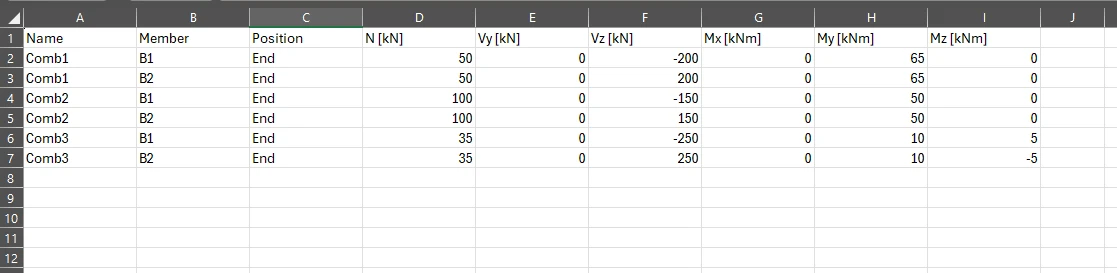
Vui lòng sử dụng đúng tên các cột như được dùng trong script Python.
Python client
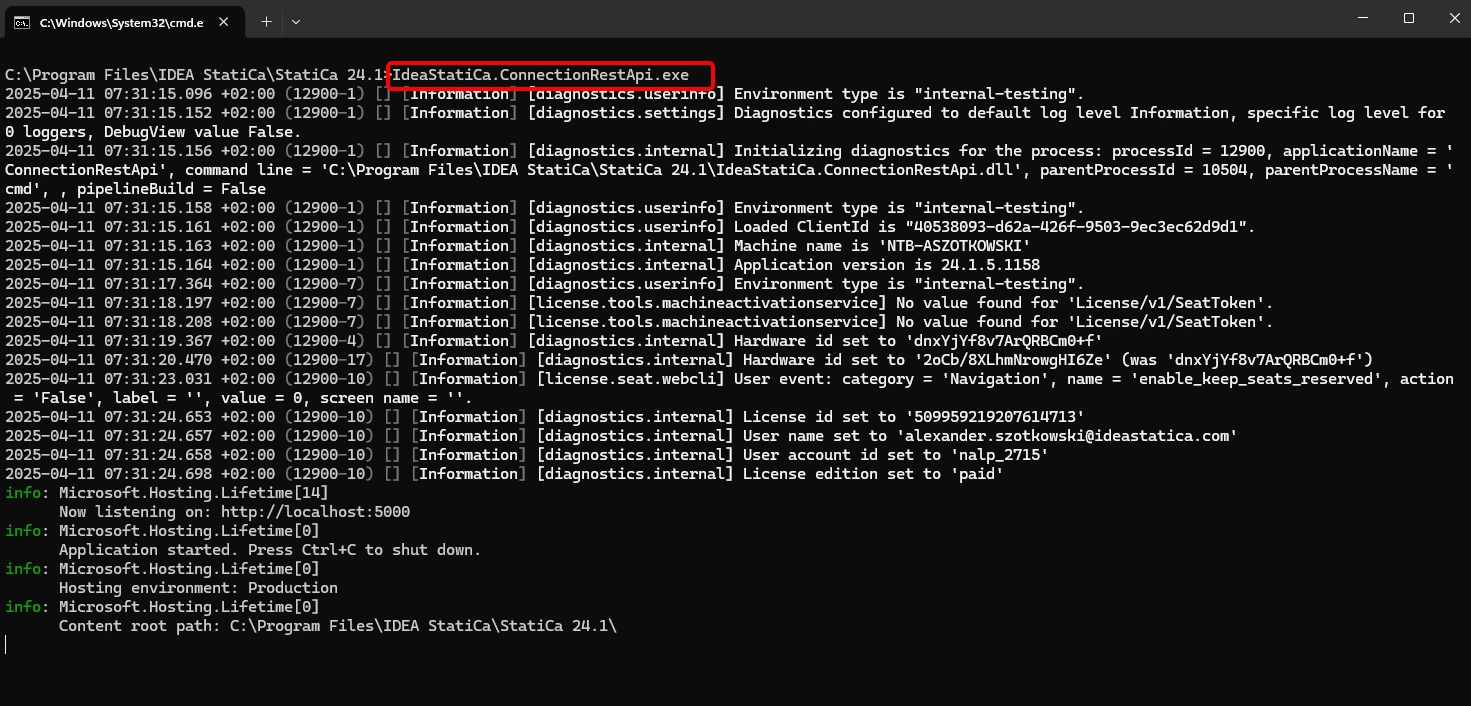
Chạy "IdeaStatiCa.ConnectionRestApi.exe" trong CMD trong thư mục IDEA StatiCa phù hợp và mở công cụ IDE mà bạn lựa chọn.
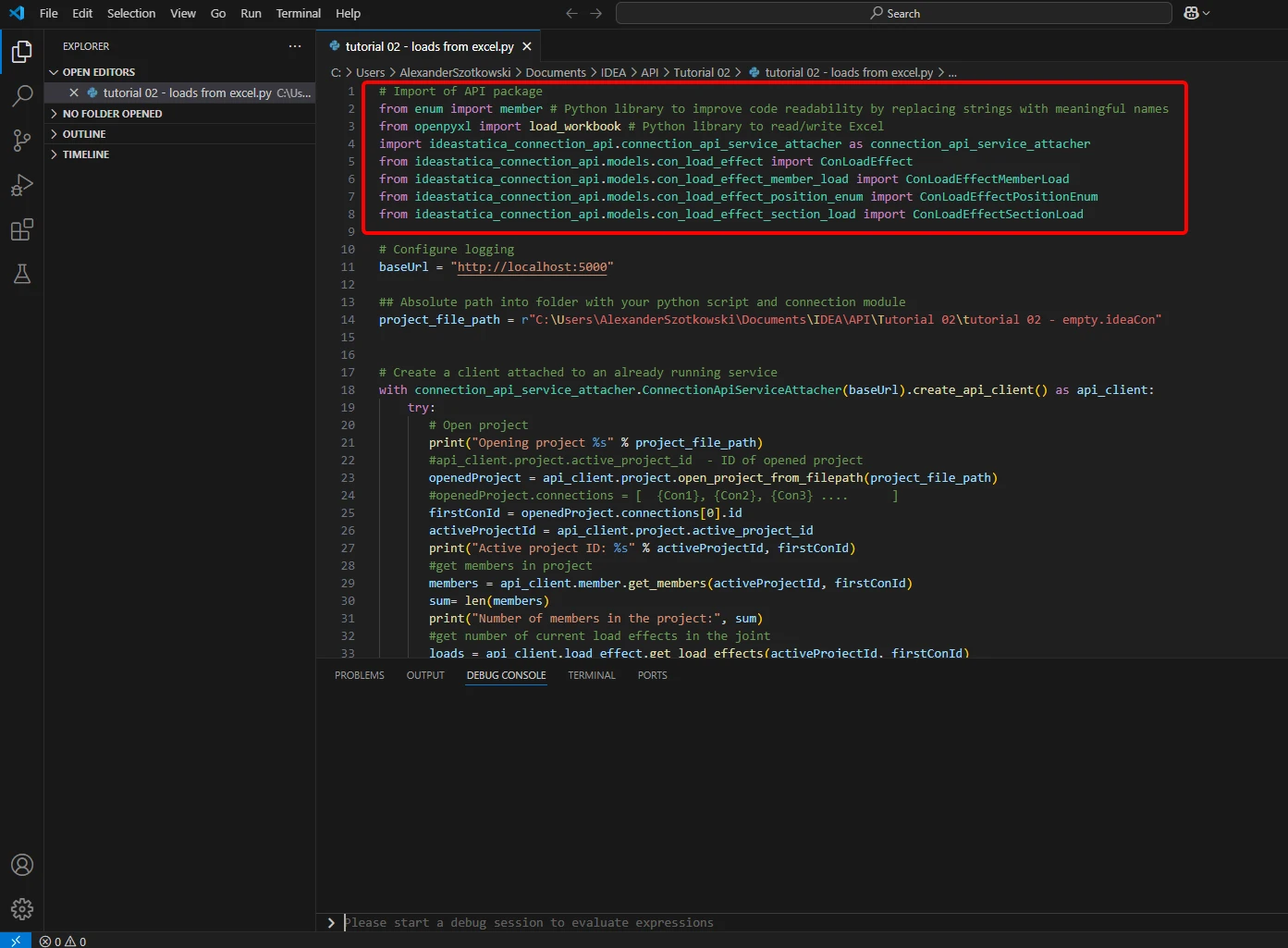
- Tạo một tệp mới và nhập các gói sẽ cho phép sử dụng tính toán và kết nối với URL localhost.
Mã nguồn:
## Import of API package
from enum import member # Python library to improve code readability by replacing strings with meaningful names
from openpyxl import load_workbook # Python library to read/write Excel
import ideastatica_connection_api.connection_api_service_attacher as connection_api_service_attacher
from ideastatica_connection_api.models.con_load_effect import ConLoadEffect
from ideastatica_connection_api.models.con_load_effect_member_load import ConLoadEffectMemberLoad
from ideastatica_connection_api.models.con_load_effect_position_enum import ConLoadEffectPositionEnum
from ideastatica_connection_api.models.con_load_effect_section_load import ConLoadEffectSectionLoad
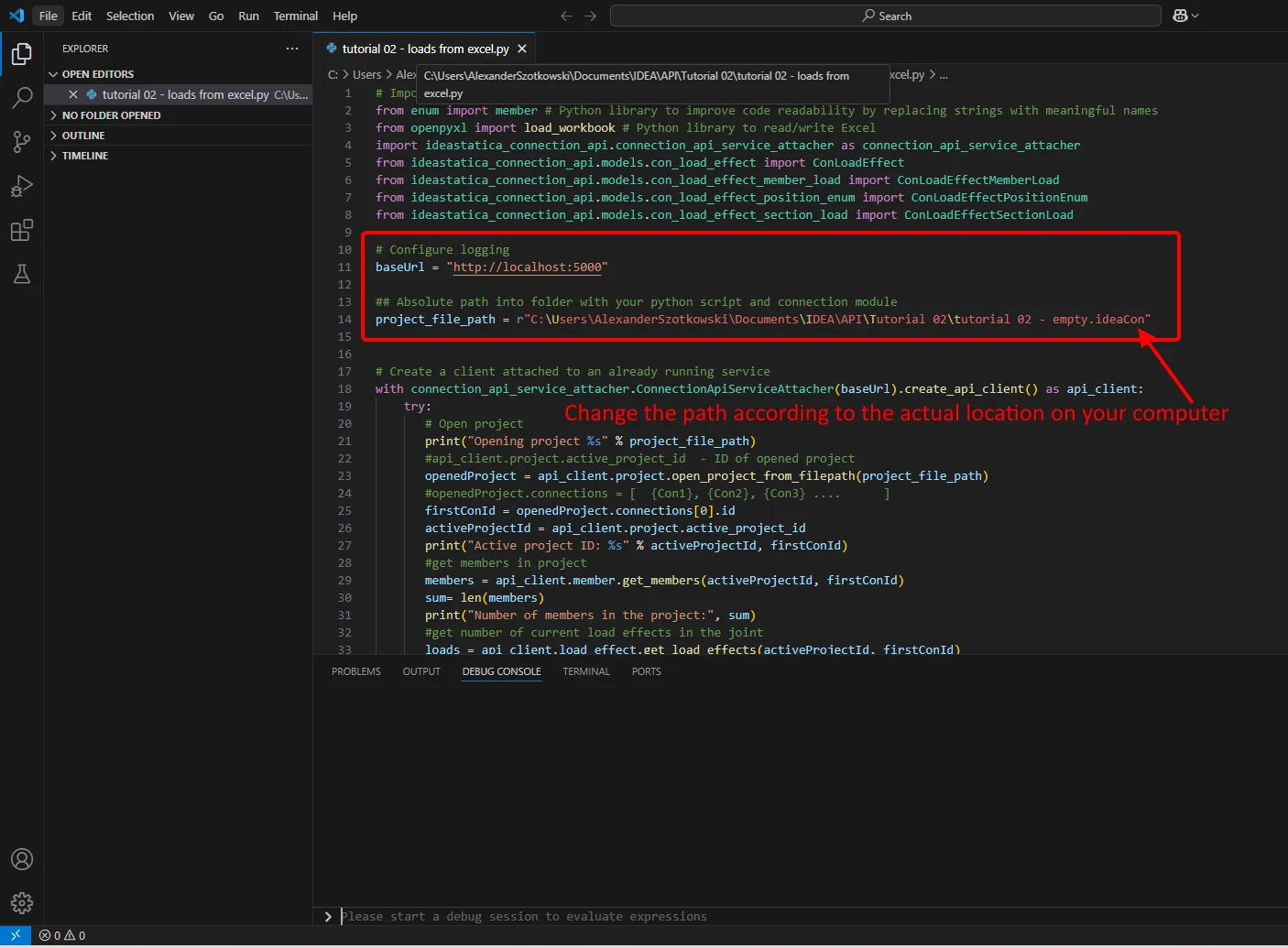
- Cấu hình ghi nhật ký thông qua biến "baseUrl," sẽ kéo lên localhost của bạn. Ở bước thứ hai, ghép đường dẫn tuyệt đối của tệp IDEA StatiCa Connection của bạn.
Mã nguồn:
## Configure logging
baseUrl = "http://localhost:5000"
## Absolute path into a folder with your python script and connection module
project_file_path = r"C:\Users\*username*\Documents\IDEA\API\Tutorial 02\tutorial 02 - empty.ideaCon"
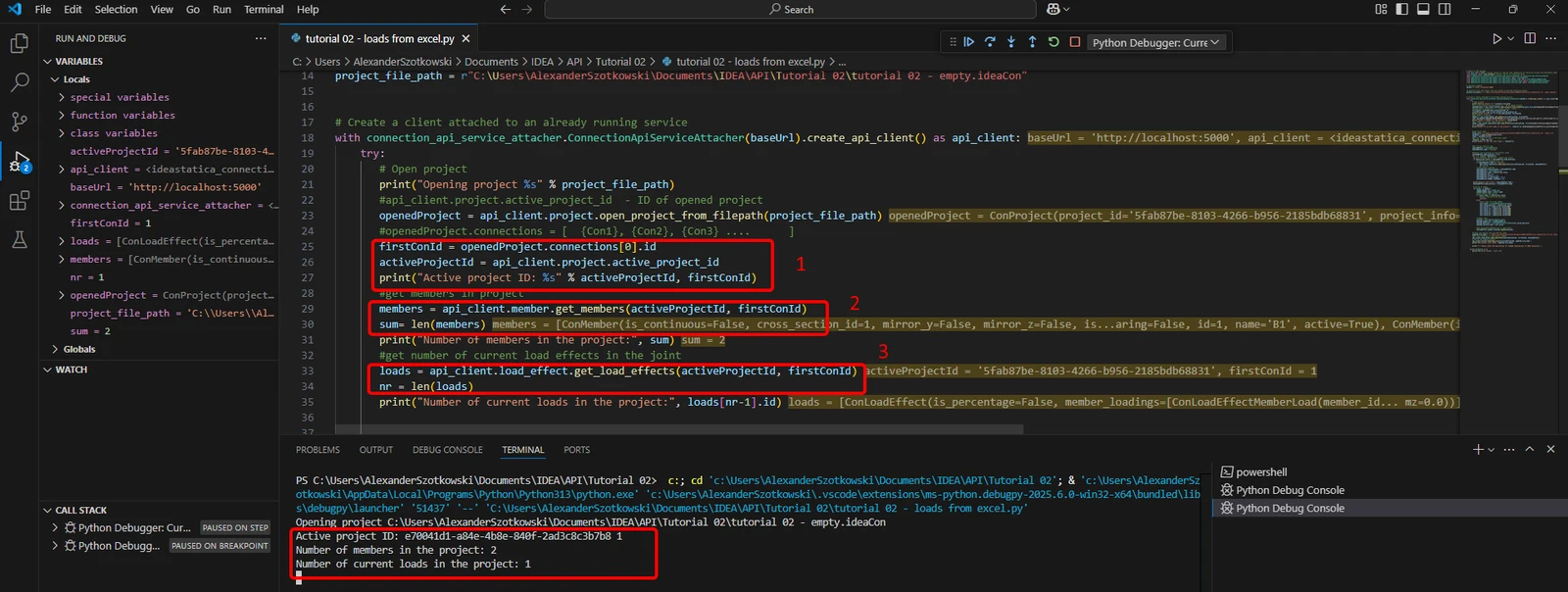
- Ghép client với một dịch vụ đang chạy sẵn. Sử dụng khối try/except - vì khối try phát sinh lỗi, khối except sẽ được thực thi. Trong giai đoạn đầu, cần mở dự án và tìm ID dự án của bạn - ID này là duy nhất cho mỗi dự án IDEA StatiCa. Nếu bạn chạy script, bạn có thể đọc ra đường dẫn được in, ID duy nhất(1), số lượng cấu kiện được gắn kết(2), và số lượng tải trọng hiện tại(3).
Mã nguồn:
# Create a client attached to an already running service
with connection_api_service_attacher.ConnectionApiServiceAttacher(baseUrl).create_api_client() as api_client:
try:
## Open the project
print("Opening project %s" % project_file_path)
#api_client.project.active_project_id - ID of opened project
openedProject = api_client.project.open_project_from_filepath(project_file_path)
#openedProject.connections = [ {Con1}, {Con2}, {Con3} .... ]
firstConId = openedProject.connections[0].id
activeProjectId = api_client.project.active_project_id
print("Active project ID: %s" % activeProjectId, firstConId)
#get members in project
members = api_client.member.get_members(activeProjectId, firstConId)
sum= len(members)
print("Number of members in the project:", sum)
#get number of current load effects in the joint
loads = api_client.load_effect.get_load_effects(activeProjectId, firstConId)
nr = len(loads)
print("Number of current loads in the project:", loads[nr-1].id)
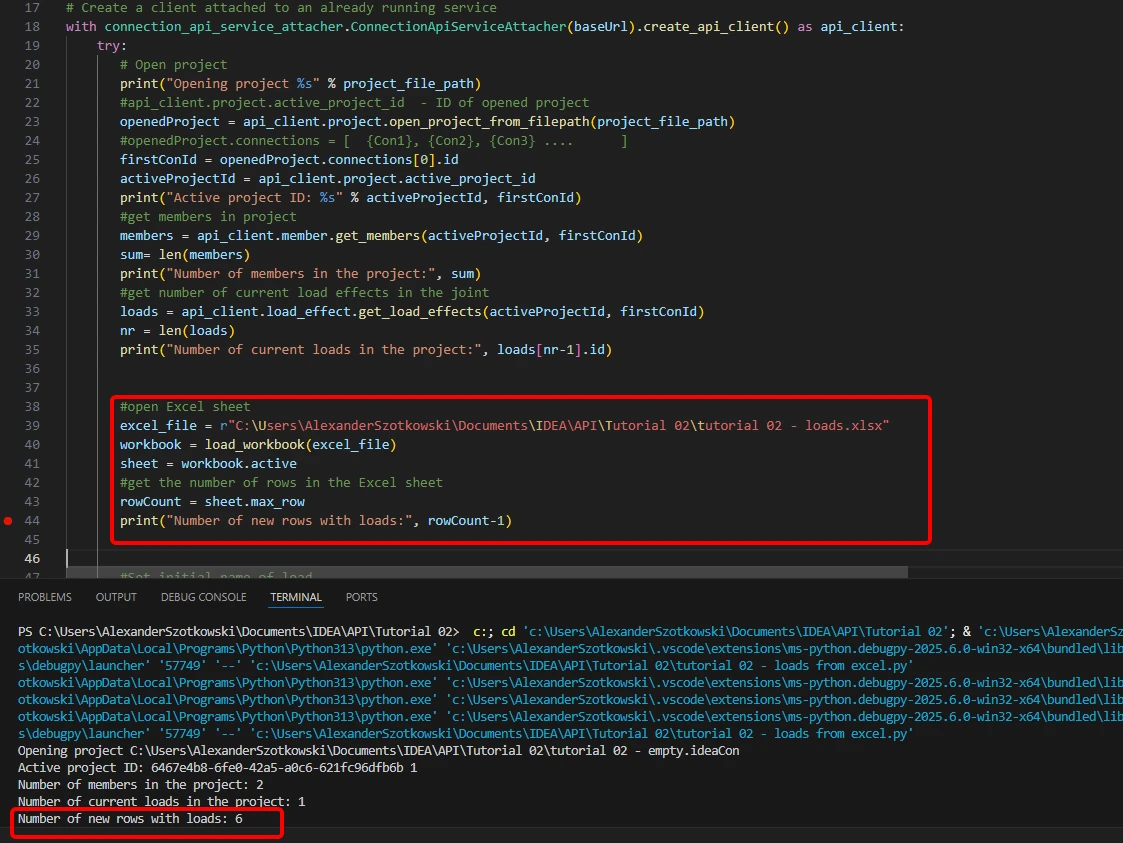
- Mở bảng Excel và đọc số lượng hàng có tải trọng.
Mã nguồn:
#open Excel sheet
excel_file = r"C:\Users\*username*\Documents\IDEA\API\Tutorial 02\tutorial 02 - loads.xlsx"
workbook = load_workbook(excel_file)
sheet = workbook.active
#get the number of rows in the Excel sheet
rowCount = sheet.max_row
print("Number of new rows with loads:", rowCount-1)
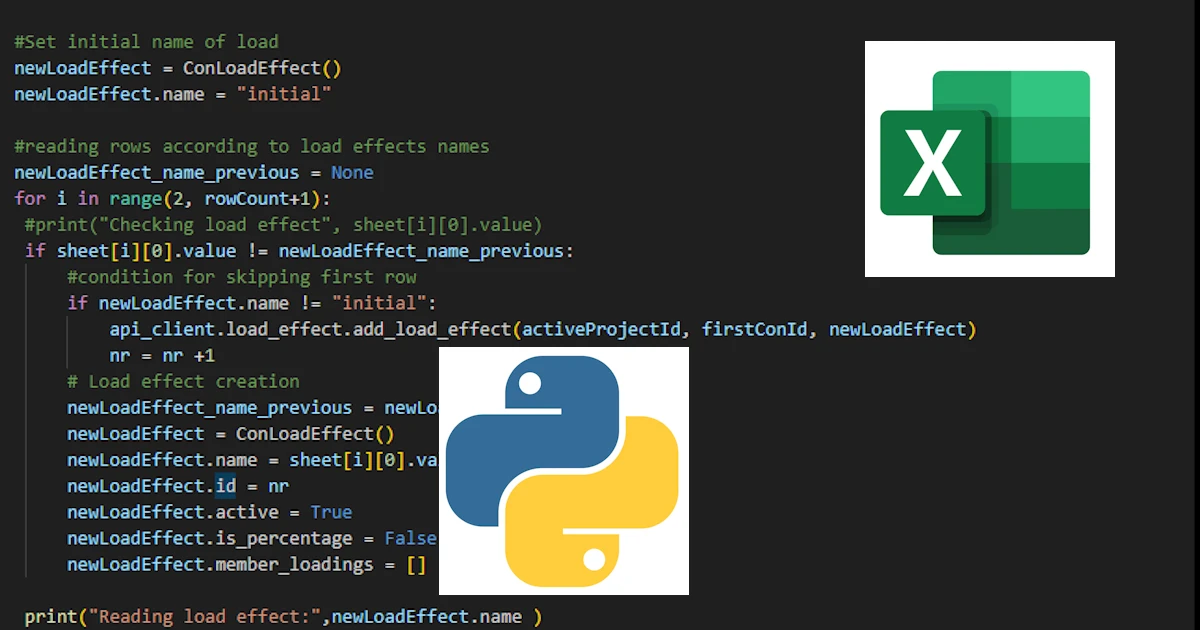
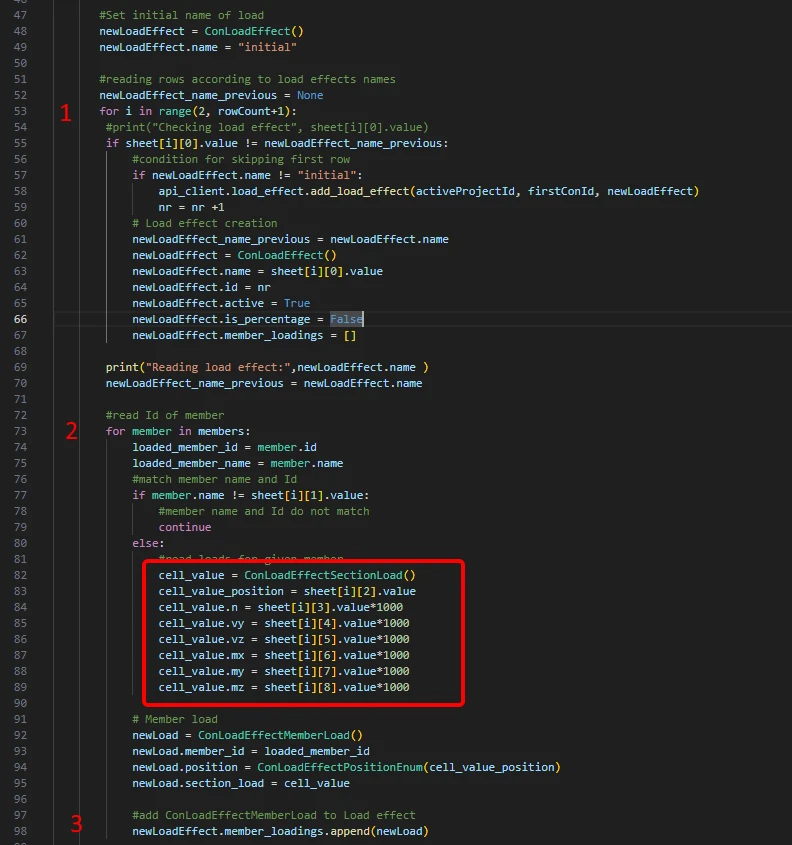
- Bắt đầu một vòng lặp để phát hiện các hàng có cùng tên tổ hợp tải trọng(1). Trong vòng lặp này, một vòng lặp khác thêm tải trọng vào từng cấu kiện được khởi động(2). Sau mỗi vòng lặp, một dòng với các tải trọng được thêm vào(3).
#Set initial name of load
newLoadEffect = ConLoadEffect()
newLoadEffect.name = "initial"
#reading rows according to load effects names
newLoadEffect_name_previous = None
for i in range(2, rowCount+1):
#print("Checking load effect", sheet[i][0].value)
if sheet[i][0].value != newLoadEffect_name_previous:
#condition for skipping first row
if newLoadEffect.name != "initial":
api_client.load_effect.add_load_effect(activeProjectId, firstConId, newLoadEffect)
nr = nr +1
# Load effect creation
newLoadEffect_name_previous = newLoadEffect.name
newLoadEffect = ConLoadEffect()
newLoadEffect.name = sheet[i][0].value
newLoadEffect.id = nr
newLoadEffect.active = True
newLoadEffect.is_percentage = False
newLoadEffect.member_loadings = []
print("Reading load effect:",newLoadEffect.name )
newLoadEffect_name_previous = newLoadEffect.name
#read Id of member
for member in members:
loaded_member_id = member.id
loaded_member_name = member.name
#match member name and Id
if member.name != sheet[i][1].value:
#member name and Id do not match
continue
else:
#read loads for given member
cell_value = ConLoadEffectSectionLoad()
cell_value_position = sheet[i][2].value
cell_value.n = sheet[i][3].value*1000
cell_value.vy = sheet[i][4].value*1000
cell_value.vz = sheet[i][5].value*1000
cell_value.mx = sheet[i][6].value*1000
cell_value.my = sheet[i][7].value*1000
cell_value.mz = sheet[i][8].value*1000
# Member load
newLoad = ConLoadEffectMemberLoad()
newLoad.member_id = loaded_member_id
newLoad.position = ConLoadEffectPositionEnum(cell_value_position)
newLoad.section_load = cell_value
#add ConLoadEffectMemberLoad to Load effect
newLoadEffect.member_loadings.append(newLoad)
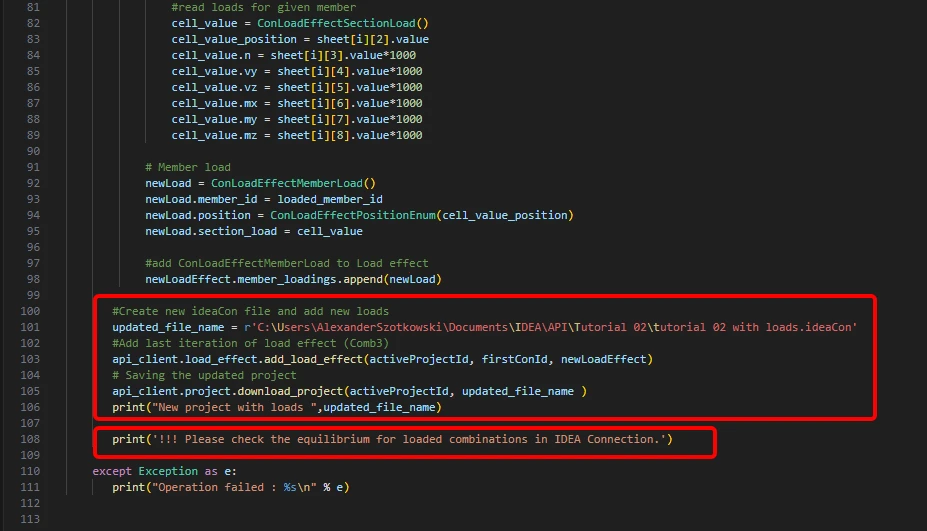
- Tạo một tệp mới và lưu dự án đã cập nhật với các tổ hợp mới được thêm vào. Một ghi chú về việc kiểm tra cân bằng được thêm vào.
Mã nguồn:
#Create new ideaCon file and add new loads
updated_file_name = r'C:\Users\AlexanderSzotkowski\Documents\IDEA\API\Tutorial 02\tutorial 02 with loads.ideaCon'
#Add last iteration of load effect (Comb3)
api_client.load_effect.add_load_effect(activeProjectId, firstConId, newLoadEffect)
# Saving the updated project
api_client.project.download_project(activeProjectId, updated_file_name )
print("New project with loads ",updated_file_name)
print('!!! Please check the equilibrium for loaded combinations in IDEA Connection.')
except Exception as e:
print("Operation failed : %s\n" % e)
Bây giờ, bạn có thể kiểm tra tệp mới để xem liệu bạn có thực hiện thành công hay không.